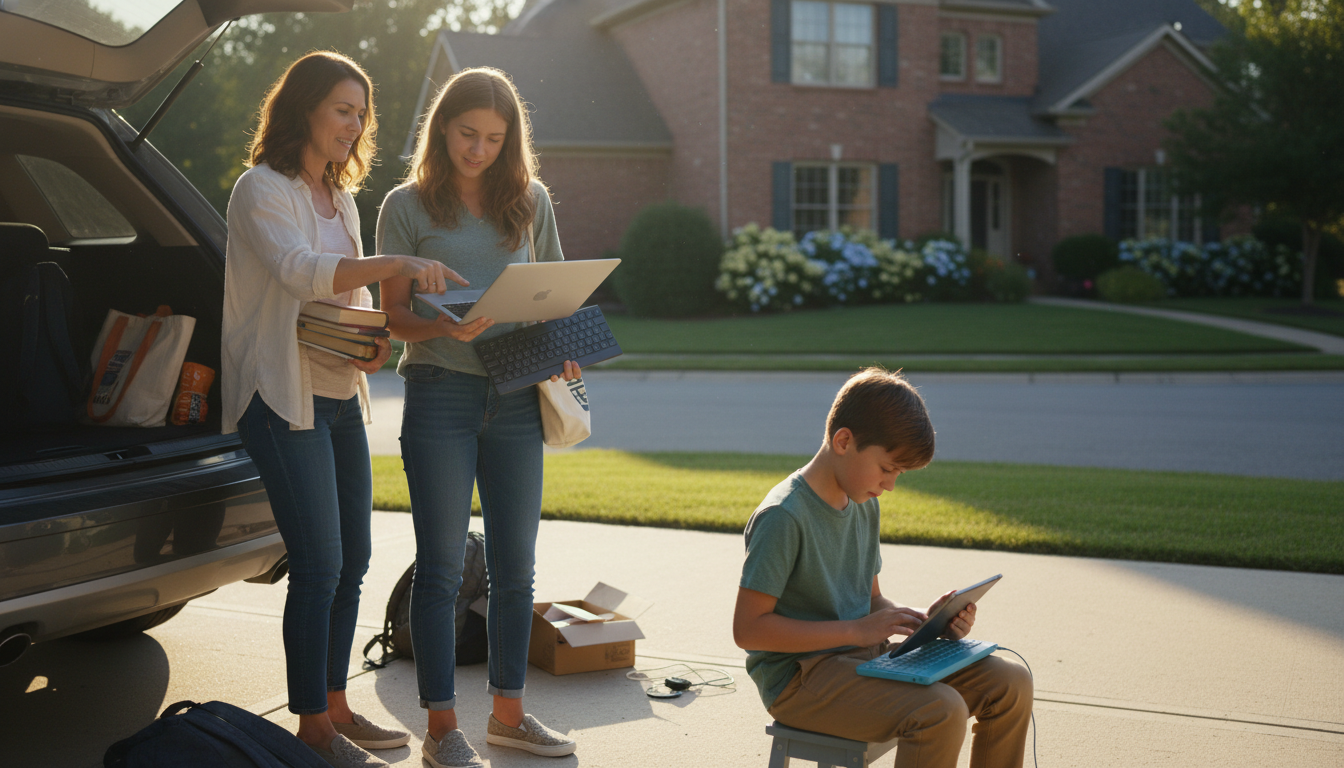
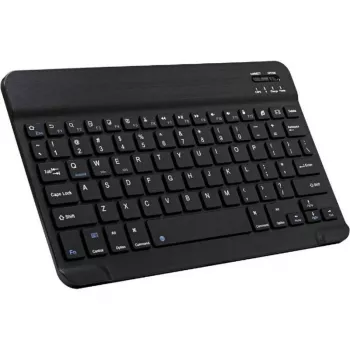
Yes—Bluetooth keyboards typically work on laptops as long as the laptop has Bluetooth built in (or you add it with a USB Bluetooth adapter). Once paired, the keyboard functions like any other input device for typing, shortcuts, and navigation. This is true for most modern Windows laptops, MacBooks, and many Chromebooks.
Check your laptop’s settings for a Bluetooth toggle or “Add Bluetooth device” option. On Windows, look under Settings > Bluetooth & devices. On macOS, open System Settings > Bluetooth. If Bluetooth isn’t available, a small USB Bluetooth dongle can often add support (assuming the operating system allows it).
Put the keyboard into pairing mode (often by holding a Bluetooth button or a function-key combo), then select it from your laptop’s list of available devices. Some keyboards ask for a pairing code: the laptop displays a number, and you type it on the keyboard and press Enter. After that, the keyboard should reconnect automatically when it’s on and within range.
Basic typing almost always works, but special keys can vary by operating system. For example, media controls and function-row shortcuts may behave differently on Windows versus macOS. If a keyboard is marketed for tablets, it can still work with a laptop, but the key legends (like Command vs. Windows) may not match your system perfectly.
If the keyboard won’t connect, charge or replace the batteries, turn Bluetooth off and back on, and remove the device then re-pair it. Interference from multiple wireless devices can also cause lag—moving closer or turning off unused Bluetooth devices can help. For persistent problems, check for operating system updates or the keyboard maker’s firmware tool (when available).
For more tips on picking a travel-friendly model and avoiding connection headaches, see this guide to portable Bluetooth keyboards.
Yes, many Bluetooth keyboards can be paired with multiple devices, but switching depends on the model. Some have dedicated device-switch keys, while others require you to re-enter pairing mode and reconnect from the laptop.


Leave a comment