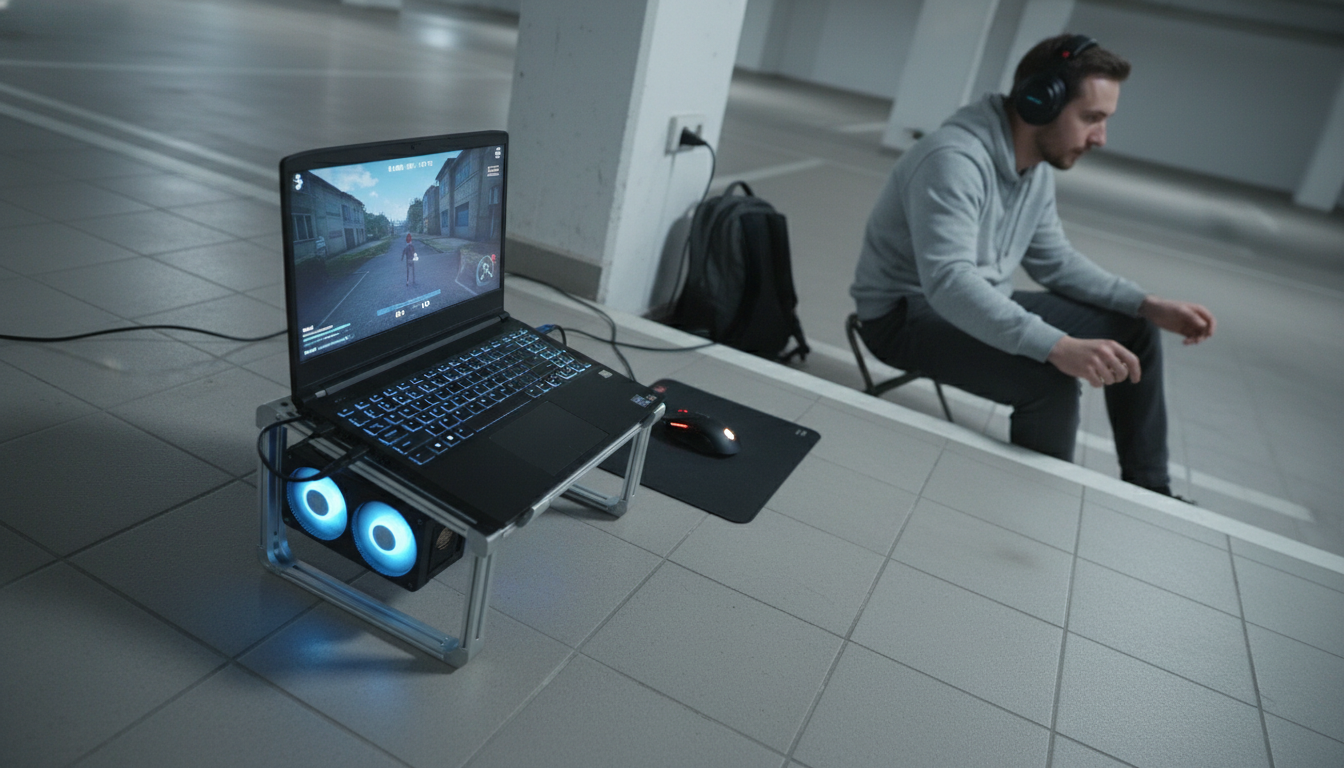
Yes—using a laptop stand can be good for gaming, especially if it improves airflow, keeps the laptop stable, and positions the screen at a more comfortable height. Many gaming laptops pull in cool air from the bottom, and lifting the chassis can help reduce heat buildup that leads to thermal throttling (when performance drops to protect components). A stand can’t turn a thin laptop into a desktop, but it can help your system stay closer to its best sustained performance.
The biggest gaming benefit is cooling. By creating space under the laptop, a stand helps vents breathe and can make it easier for fans to move air. That can translate to steadier frame rates during long sessions, less fan “spiking,” and fewer sudden dips when temperatures climb. If your stand is rigid (often aluminum or reinforced materials), it can also reduce wobble—useful when gaming with an external keyboard and mouse.
Gaming sessions often last longer than work tasks, so ergonomics become more noticeable. A stand can raise the screen closer to eye level, which can reduce neck bending and shoulder tension. For many setups, the sweet spot is pairing a stand with an external keyboard and mouse so your wrists stay neutral while the screen sits higher. If you game directly on the laptop keyboard, very steep angles may feel awkward for key presses and trackpad use.
Prioritize stability first: a wide base, grippy pads, and a hinge that doesn’t drift under pressure. Next, consider ventilation: open-frame designs and angled platforms typically allow better airflow than flat, solid shelves. Finally, choose a height/angle range that matches how you play—desk, couch, or travel—without forcing you into a strained posture.
For more details on ergonomics, cooling, and stability, see the full guide: https://splendona.com/guide-aluminum-laptop-stand-guide-ergonomics-cooling-stability/.
They often do, because lifting the laptop improves airflow around bottom intakes and hot surfaces. Results vary by laptop design, room temperature, and whether the stand blocks or frees the vents.







Leave a comment