Aluminum Laptop Stand Guide: Comfort, Cooling, and Desk Stability
A well-made aluminum laptop stand can improve posture, reduce neck strain, and help airflow around a warm laptop. Aluminum stands are especially popular for home offices and hybrid work because they feel solid, look clean, and hold up to daily repositioning. Below is a practical guide to what aluminum does well, what to watch for (like wobble and fit), how to choose the right style for a workspace, and how to use a stand safely with different laptop sizes and accessories.
Why aluminum stands are popular
- Stability on a desk: Aluminum frames tend to resist flexing better than many thin plastic designs, which can translate to less bounce during typing and fewer micro-adjustments throughout the day.
- Heat handling: Metal can draw some heat away from the laptop’s chassis, and most stand designs elevate the device for better airflow underneath—often the bigger thermal win than conduction alone.
- Long-term durability: Aluminum resists cracking and generally tolerates frequent folding, lifting, and shifting between rooms better than brittle materials.
- Clean, minimal look: Brushed or anodized aluminum blends into most desk setups and typically shows less visible wear than glossy plastics.
- Portability trade-off: Aluminum is often lighter than steel but can be heavier than plastic. If travel matters, foldable designs can keep pack size reasonable while still feeling rigid in use.
Stand styles and who they suit
Choosing a style is less about “best overall” and more about matching your desk habits: how often you adjust height, where you work, and whether you type on the laptop keyboard.
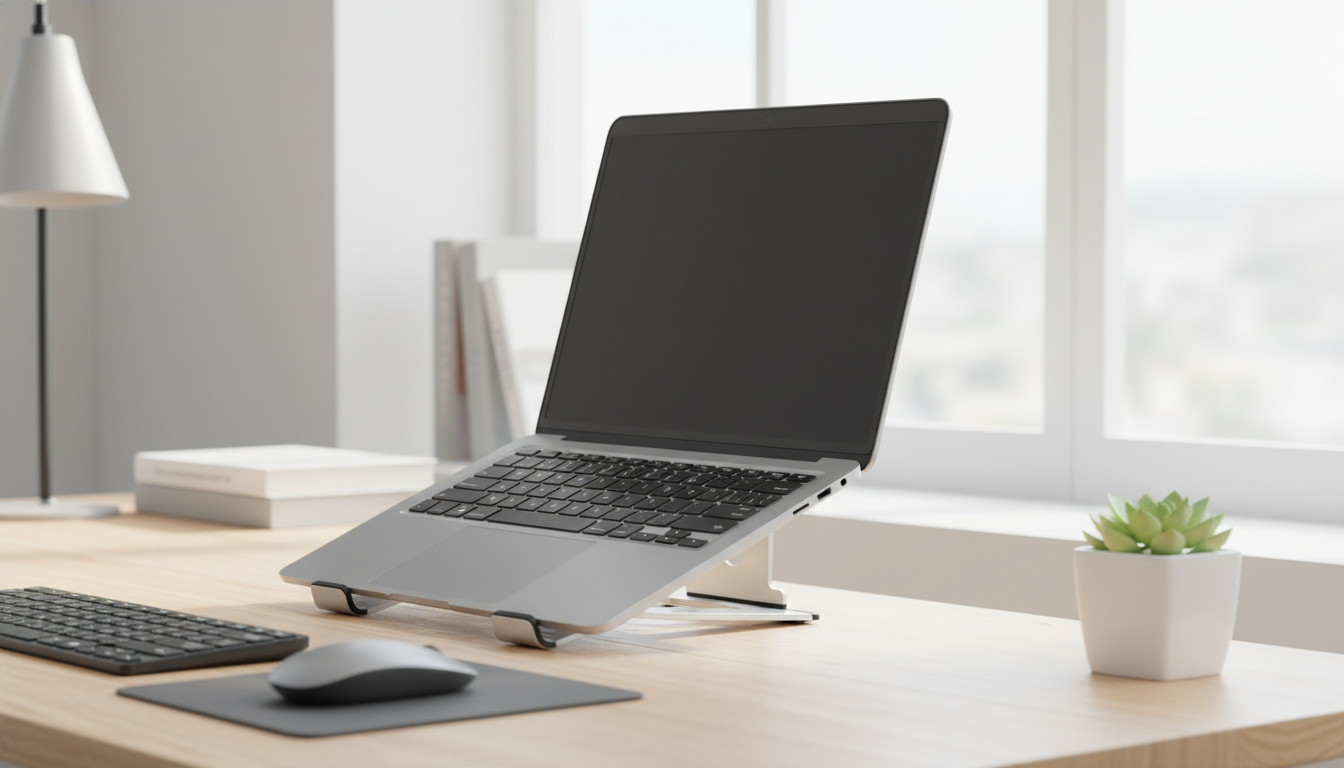
- Fixed-angle risers: Simple, sturdy, and often the most stable choice. They’re ideal when desk and chair heights don’t change. Many users pair them with an external keyboard and mouse for comfortable wrist posture.
- Adjustable-height/angle stands: Better ergonomic flexibility for multi-user desks or changing work positions. Look for strong hinges and reliable anti-slip pads so the angle doesn’t drift over time.
- Foldable travel stands: Compact and bag-friendly. Prioritize a solid locking mechanism and smooth edges that won’t snag sleeves or scratch nearby gear.
- Dual-stand setups (laptop + external monitor): A laptop stand shines when it helps align screens while an external keyboard/mouse keeps wrists neutral. This arrangement can reduce shoulder shrugging and neck twist.
- Large-base vs. minimal-contact arms: Larger bases usually reduce wobble; open-frame, minimal-contact arms typically boost airflow but can feel less planted if the footprint is small.
Quick comparison of common aluminum laptop stand types
| Type |
Best for |
Pros |
Watch for |
| Fixed-angle riser |
Dedicated desk setup |
High stability, simple design, fewer moving parts |
Angle may not suit all users; needs external keyboard for best ergonomics |
| Adjustable-height stand |
Shared workstations, ergonomic tuning |
Custom height/angle, adaptable to different chairs/desks |
Hinge wear, slippage, wobble if base is narrow |
| Foldable travel stand |
Commuting, hybrid work |
Compact, quick setup, lighter packs |
Smaller footprint, less stable on soft surfaces |
| Elevating arms (open-frame) |
Cooling-focused setups |
Improved airflow, easier cable routing |
Laptop may sit higher; verify lip depth and pad grip |
How to choose the right aluminum laptop stand
Ergonomics and daily setup tips
- Pairing: A stand works best with an external keyboard and mouse so raising the screen doesn’t also raise your hands and bend wrists upward.
- Screen distance: Keep the display about an arm’s length away, then adjust based on text size and eye comfort. Practical workstation guidance is available from OSHA’s Computer Workstations eTool.
- Neck and shoulders: Set height so shoulders stay relaxed and the chin remains level. If you notice shoulder tension, the screen may be too high or the keyboard position may be too elevated.
- Wobble check: On adjustable stands, test light typing pressure and trackpad use. If it shakes, switch to external input devices or choose a base with more surface contact.
- Surface choice: Avoid using a stand on soft bedding or uneven cushions where the base can tilt and airflow can be restricted.
For broader ergonomics context and musculoskeletal risk reduction, see NIOSH guidance on ergonomics and musculoskeletal disorders.
Safety, device care, and common concerns
Care and longevity
FAQ
Which laptop stand is better, plastic or aluminium?
Aluminum stands often feel more stable and tend to last longer, and they can help with heat management when they elevate the laptop for airflow. Plastic stands can be lighter and less expensive, but thinner designs may flex or wobble more depending on build quality.
Which material is best for a laptop stand?
The best material depends on priorities: aluminum for rigidity, durability, and a clean look; steel for maximum sturdiness (often with more weight); reinforced plastic for lightweight travel; and wood for aesthetics, though it’s typically less ideal for heat and portability.
Are metal laptop stands safe?
Yes, metal laptop stands are safe in normal use when placed on a stable surface with intact anti-slip pads and good cable condition. The stand may get warm during heavy laptop use, so move it carefully right after long, high-heat sessions and keep liquids away.
Recommended for you





Leave a comment