Yes—wireless keyboards can be very viable for gaming, especially modern models that use 2.4GHz wireless with a USB receiver. Many of today’s gaming-focused wireless boards deliver low input latency that feels essentially the same as a wired connection, while also cutting down on cable clutter and making desk setups easier to manage.
The connection type matters most. Bluetooth is convenient for everyday use, but it can add noticeable latency in fast-paced games. For competitive play, a 2.4GHz dongle (often marketed as “gaming wireless”) is typically the better choice because it’s designed for quick, stable communication. Also look for strong polling performance, solid switch quality, and reliable key rollover so multiple simultaneous presses register correctly.
With a quality 2.4GHz keyboard, lag is usually a non-issue for most players. Dropouts are more likely in noisy wireless environments, so placement helps: keep the USB receiver close to the keyboard (a front USB port or included extender is ideal) and avoid blocking it behind a PC case. If the keyboard supports a wired mode, that’s a handy backup for tournaments or troubleshooting.
Battery life affects convenience more than performance, but it can still impact game sessions. RGB lighting can shorten runtime significantly, so consider using lower brightness, effects that dim when idle, or turning lighting off for marathon play. A keyboard that can charge while in use prevents interruptions and keeps performance consistent.
Wireless is worth it if you want a cleaner setup, play from a couch or a deeper desk, or frequently rearrange gear. For the most demanding competitive players, a wired keyboard remains the simplest “always on” option, but the gap has narrowed enough that many gamers won’t notice a difference.
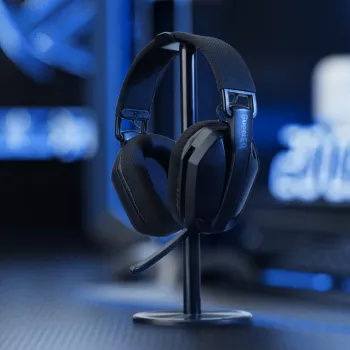
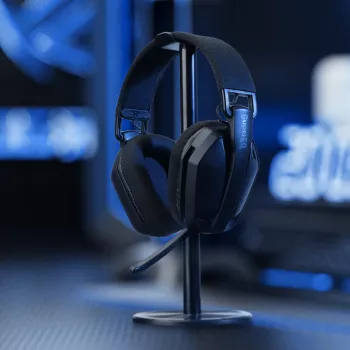
If you’re also dialing in a full wireless setup, this guide to a 2.4GHz wireless gaming headset is a helpful companion read: https://splendona.com/guide-wireless-rgb-gaming-headset-2-4ghz-usb-c-35-hour-battery/.
Yes, they can work together smoothly, but it helps to use reliable 2.4GHz devices and keep receivers spaced apart on the PC for a cleaner signal. If you notice interference, moving one receiver to a different USB port (or using a short extender) often fixes it.






Leave a comment