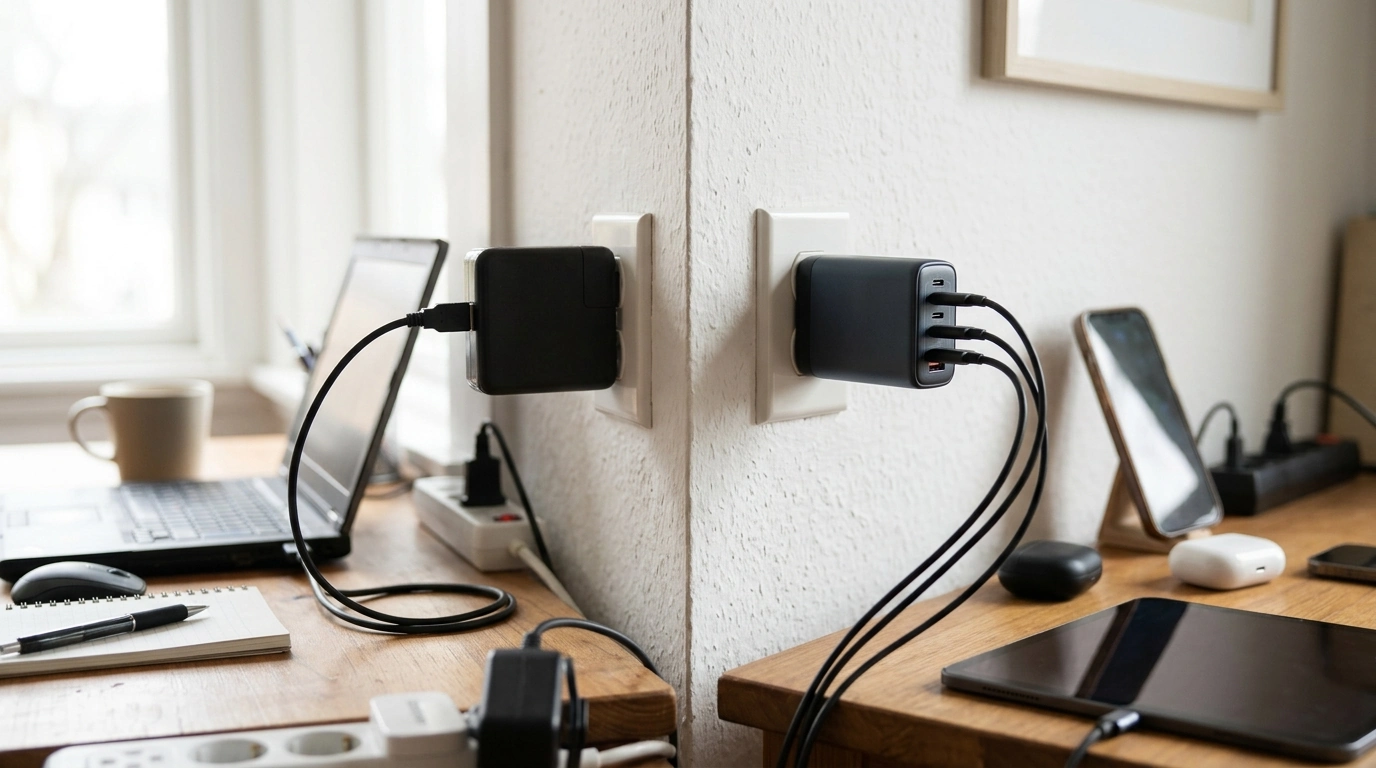
GaN (gallium nitride) chargers and standard chargers (typically silicon-based) both convert AC power from the wall into the DC power your devices need, but they do it in notably different ways. The result shows up in size, heat, charging performance, and how convenient the charger is to carry and use day to day.
GaN components can switch power more efficiently at higher frequencies, which allows manufacturers to use smaller internal parts. For you, that often means a noticeably more compact wall charger at the same wattage—easier to pack, less likely to block neighboring outlets, and more comfortable for travel or tight power strips.
Because GaN power conversion is generally more efficient, less energy is wasted as heat. Lower heat can help a charger stay more comfortable to touch and can support sustained performance when you’re charging power-hungry devices like laptops and tablets.
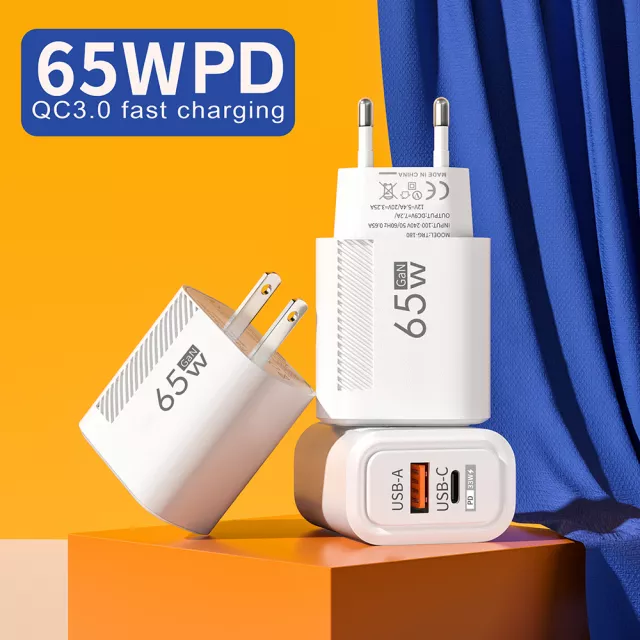
If you’re charging a USB-C laptop, a handheld console, or a tablet, wattage and USB-C Power Delivery (PD) matter. GaN chargers are commonly offered in higher-wattage, multi-purpose designs (like 65W class models) that can replace multiple bricks. Standard chargers can also support PD, but they’re often larger at the same output.
Many GaN chargers are built as all-in-one hubs with two or more ports (USB-C and sometimes USB-A) and dynamic power allocation. That helps you charge a laptop and phone together without carrying multiple adapters—just be mindful that total wattage is shared when multiple ports are used.
Choose GaN when you want maximum portability, a cleaner desk setup, or a single charger for both laptop and phone. A standard charger is often a fine fit if you only charge a phone overnight or you don’t mind a larger block. For a deeper walkthrough on selecting a 65W-class option for fast charging, visit our guide: https://splendona.com/guide-65w-gan-usb-c-wall-charger-quick-charge/.
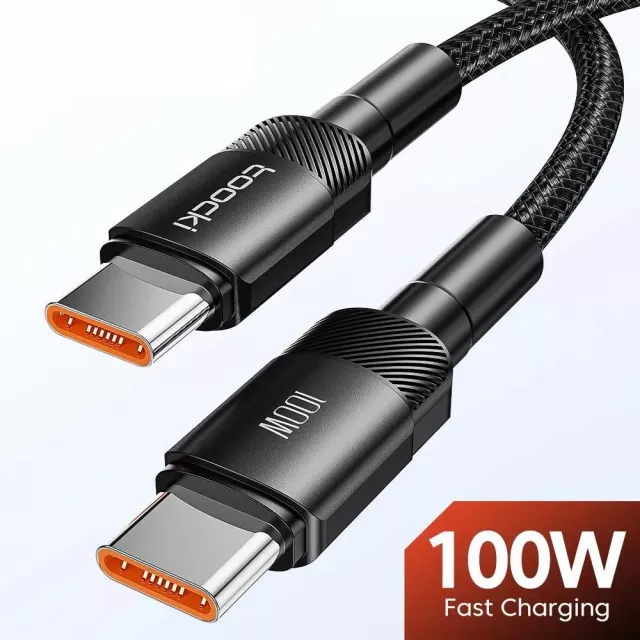
Yes. Your phone will only draw the power it can accept, so a higher-wattage charger won’t force extra power into it. Use a quality cable and the correct port (usually USB-C PD) for best results.





Leave a comment