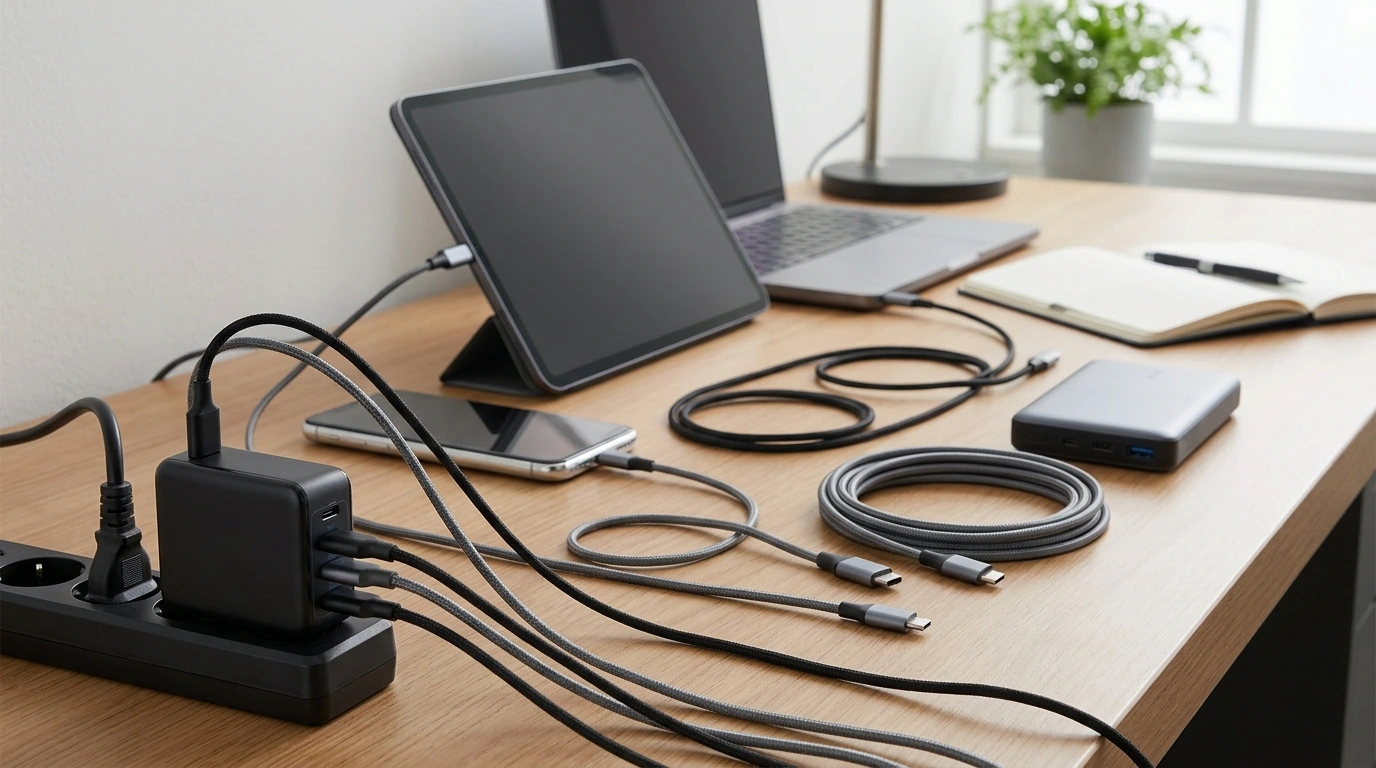
Anker is one of the strongest charger brands you can buy, but “best” depends on what you need: top speed, smallest size, multi-device charging, or value. Our team sees Anker stand out for consistent performance, wide compatibility, and a lineup that covers everything from compact single-port cubes to higher-wattage multi-port GaN chargers. If you want a reliable pick that’s easy to match to modern phones, tablets, and laptops, Anker is often a safe bet.
The best brand is the one that matches your devices and habits without running hot, slowing down, or cluttering your outlet. Start with the right wattage (for example, many USB-C laptops prefer 45W–100W), then prioritize modern charging standards like USB Power Delivery (USB-C PD) and PPS for fast charging on supported phones. Port layout matters too: a single high-watt USB-C port is great for a laptop, while travelers often prefer two or three ports to cover a phone, earbuds, and a tablet at once.
Anker’s GaN options are a big reason it gets recommended so often. GaN chargers can deliver higher power in a smaller shell, which helps if you’re packing light or fighting for space on a power strip. Many Anker models also do a good job of smart power sharing, automatically allocating wattage across ports so you can charge multiple devices without constant unplugging.
If you need a very specific setup—like the absolute smallest footprint, extra-long included cables, or a charger that matches a particular ecosystem—another brand could edge Anker out. The key is confirming that the charger supports the fast-charging standard your device actually uses and that the total output is high enough when multiple ports are in use.
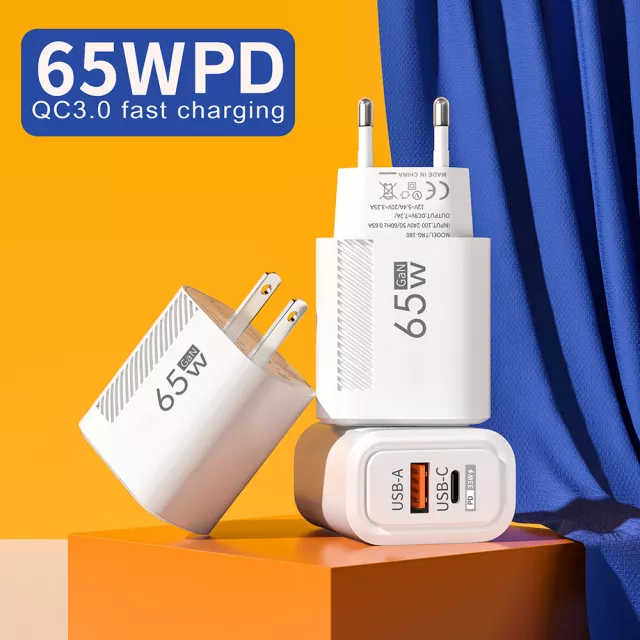
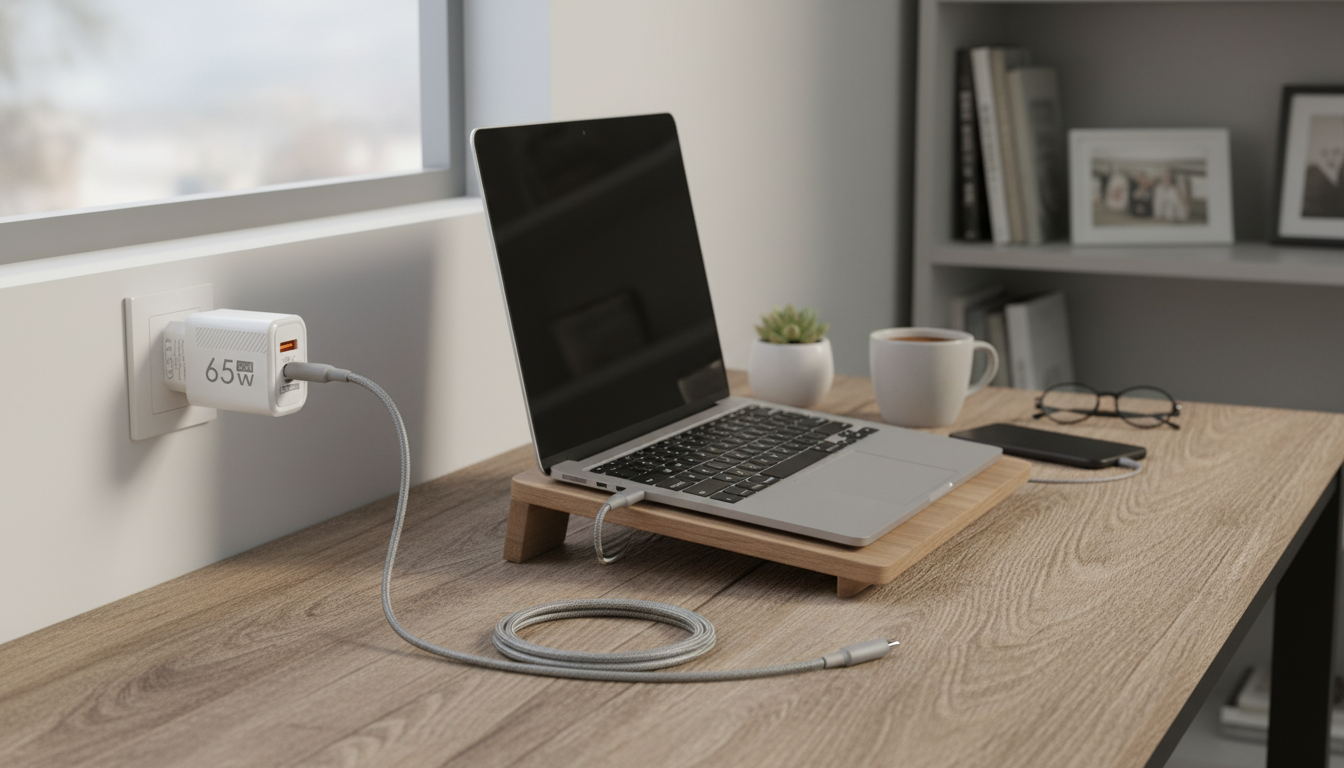
Pick your target wattage first, then choose a GaN USB-C PD charger with enough ports for your daily carry. For a practical starting point, our team put together a focused guide to 65W options here: 65W GaN USB-C wall charger guide.
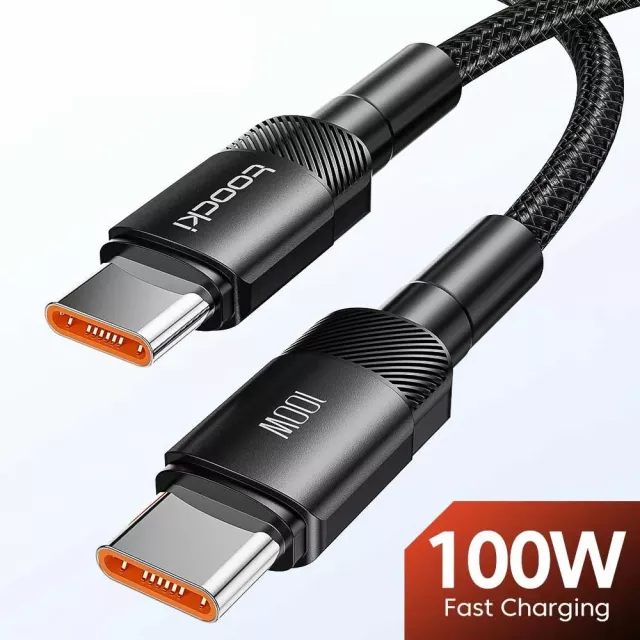
Many USB-C laptops charge well with 65W, while larger models may prefer 90W–100W for best performance under load. If you charge while using the laptop, choosing the higher supported wattage helps prevent slow charging.



Leave a comment