
Fast charging support depends on two things working together: what your phone can accept (charging protocol and maximum watts) and what your charger/cable can deliver. Our team uses a quick checklist that you can follow at home without guesswork.
Open your phone’s official tech specs page and look for terms like “USB Power Delivery (USB-PD),” “PD PPS,” “Quick Charge,” “Super Fast Charging,” or a stated maximum such as “25W,” “45W,” or “65W.” If you see a wattage number or one of these protocol names, your phone supports some form of fast charging.
Many phones display a status line such as “Fast charging,” “Super fast charging,” “Charging rapidly,” or show a reduced “time to full” when a compatible charger is connected. If your phone always shows standard “Charging” even with a known fast charger, your device may be limited by protocol, settings, cable, or battery temperature.
USB-C is a connector, not a guarantee of speed. Modern Android phones often use USB-PD or PD PPS; iPhones use USB-PD. If your phone relies on a specific standard (for example PD PPS for higher speeds), you’ll need a charger that supports it to reach the top charging rate.
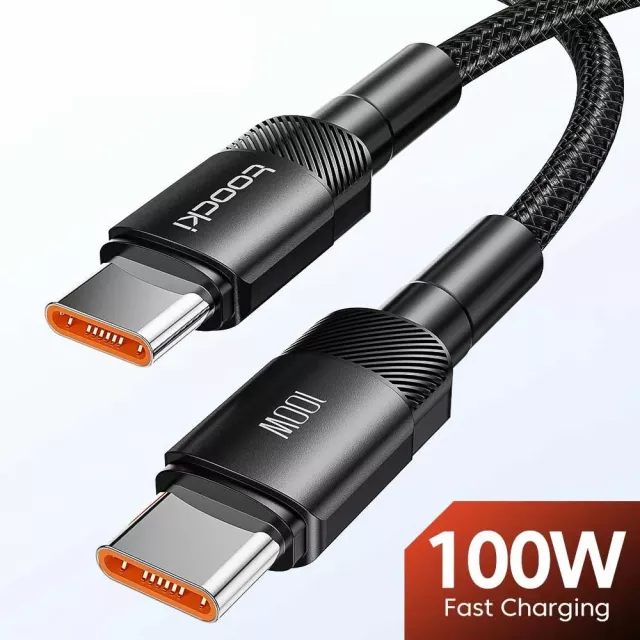
Even if your phone supports fast charging, a basic cable can cap performance. For 60W-class charging, use a USB-C to USB-C cable rated 3A or 5A; for higher wattages, a 5A e-marked USB-C cable is typically required. Also match the charger port to your cable type (USB-C port with USB-C cable for USB-PD).
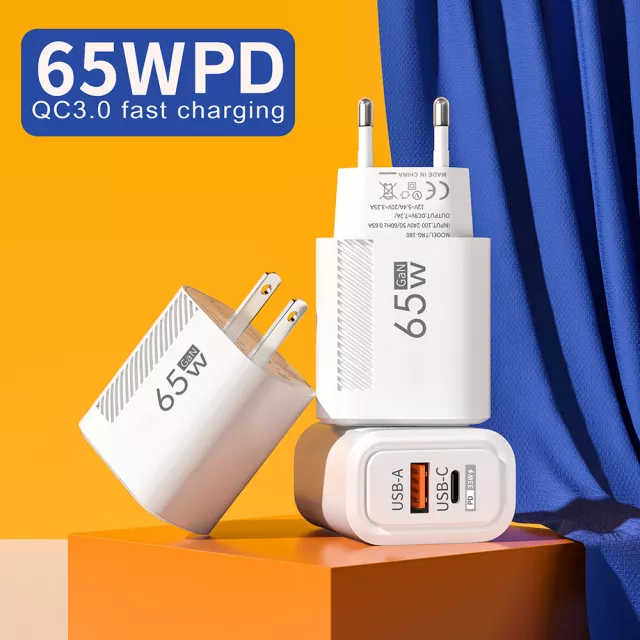
Try a reputable USB-C fast charger that supports USB-PD (and PPS if your phone calls for it). If your phone shows a fast-charging indicator and the “time to full” noticeably drops, you’re set. For a deeper walkthrough on modern USB-C charging and wattage matching, see our guide: 65W GaN USB-C Wall Charger & Quick Charge guide.
No—when standards like USB-PD are used, your phone negotiates the power it can accept, so a higher-watt charger simply provides headroom. Your phone will only draw up to its supported limit.





Leave a comment