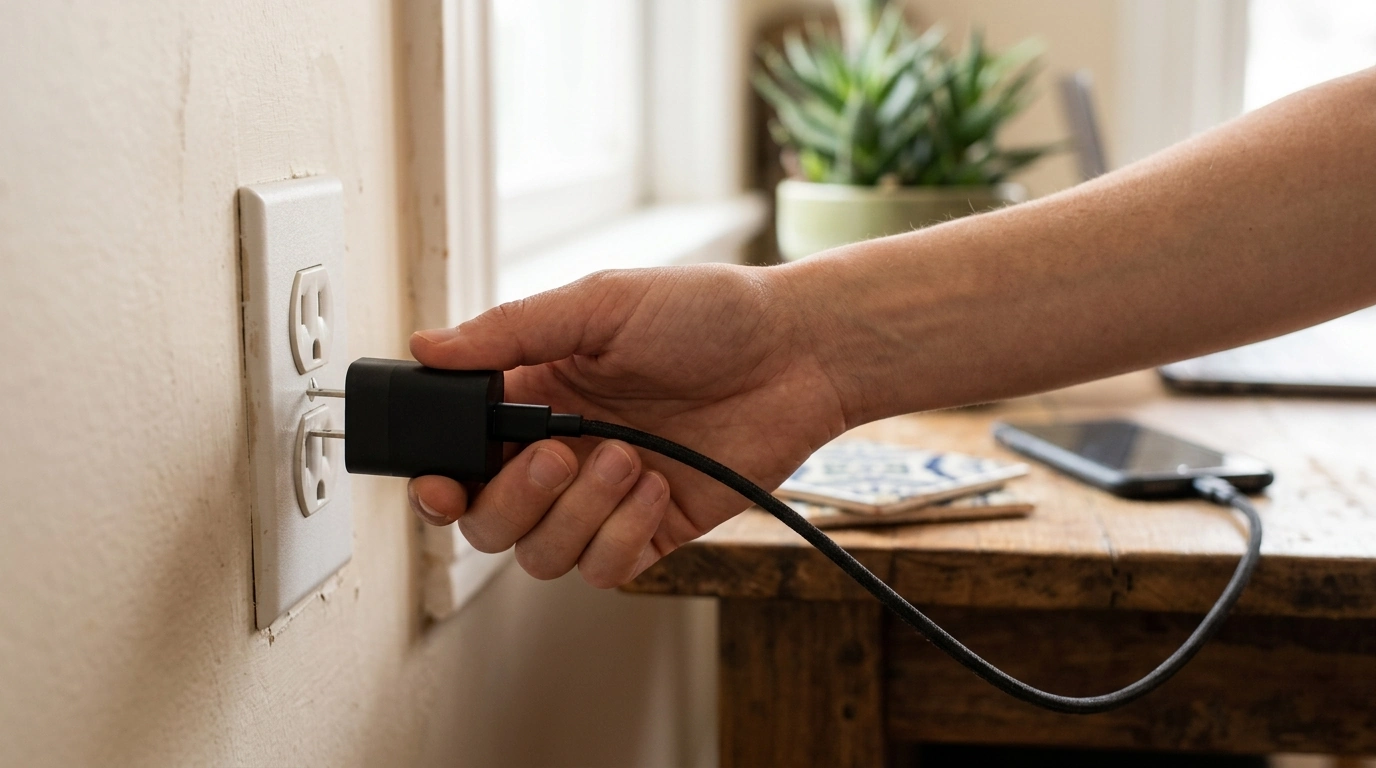
If your phone charger feels hot, start by unplugging it from the wall and disconnecting the cable from your device. Give it 10–20 minutes in open air so heat can dissipate naturally. Avoid putting a charger in the fridge/freezer or against ice packs—rapid temperature changes can cause condensation inside the housing and create a safety risk.
1) Move it to a cooler, open spot. Heat builds up when a charger is pressed against fabric, tucked behind furniture, or crowded by other adapters. Place it on a hard, non-flammable surface (like a countertop) with space around it.
2) Reduce the load. High-watt charging generates more heat. If you were fast charging a laptop or tablet, switch to charging a phone only, or charge one device at a time. Using a lower-power port (if your charger has multiple outputs) can also lower temperatures.
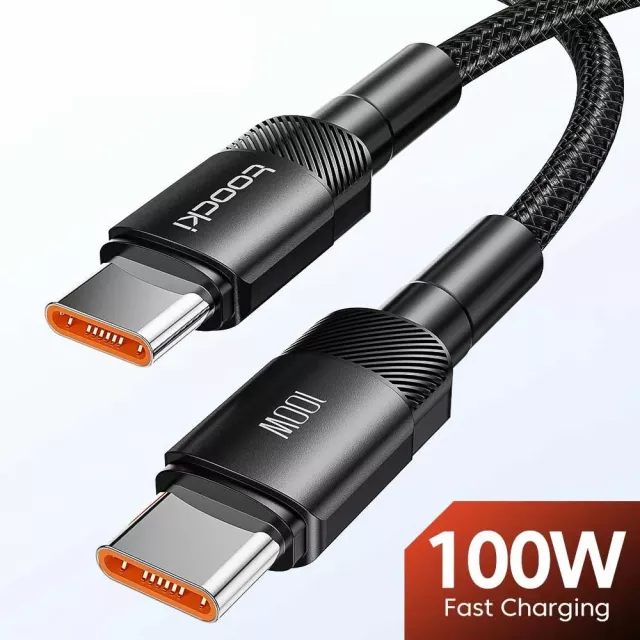
3) Check the cable and connections. A loose plug, damaged cable, or dirty USB-C port can increase resistance and heat. Swap to a known-good cable, fully seat the connectors, and remove pocket lint from device ports using a dry, non-metal tool.
4) Improve airflow while charging. Don’t cover the charger with blankets, clothing, or power strips packed tight. If you’re charging at a desk, keep the adapter outside cable-management boxes and away from other warm electronics.
5) Use the right wall outlet setup. Avoid daisy-chained extension cords and overcrowded power strips. A solid wall connection helps prevent heat from poor contact and voltage drop.
Stop using the charger immediately if you smell burning, see discoloration, hear buzzing/crackling, or if it becomes too hot to touch. Replace it rather than trying to “cool it better,” since internal components may be failing.
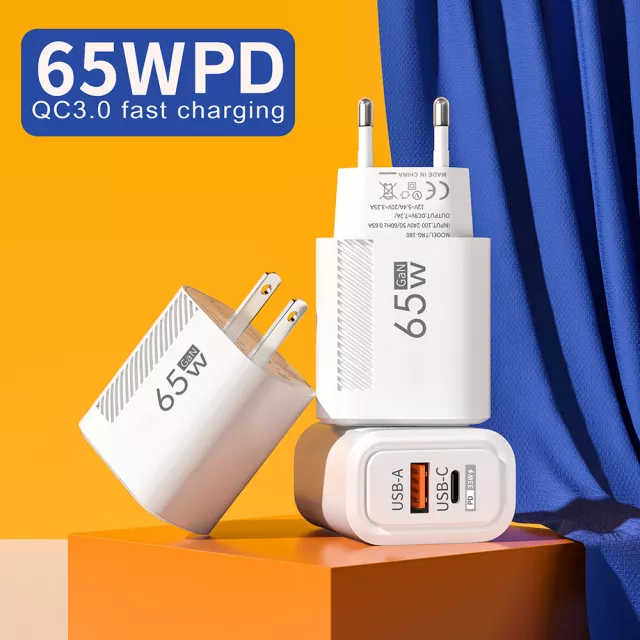
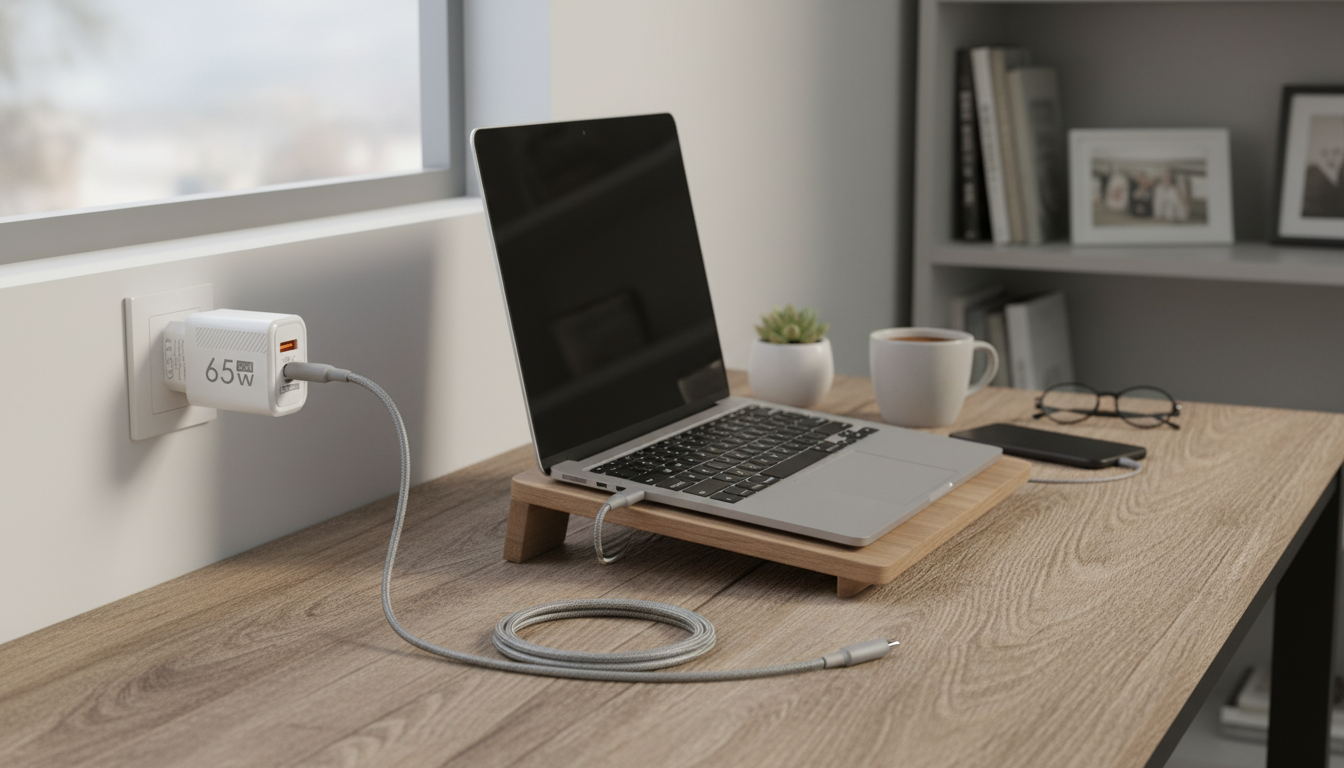
Efficient designs like GaN (gallium nitride) chargers can help manage heat during fast charging. Our team broke down what to look for in wattage, ports, and fast-charge behavior here: 65W GaN USB-C wall charger quick charge guide.
Yes. Your phone will only draw the power it can accept, so a higher-watt charger is typically fine as long as it’s a quality USB-C PD/compatible charger and you use a good cable.



Leave a comment