100W USB‑C to USB‑C Fast Charging Cable (PD 3.0, QC 4.0, 5A): What It Supports and How to Use It
A 100W USB‑C to USB‑C cable can do much more than basic phone charging—when paired with the right charger and device, it can power laptops, tablets, handheld consoles, and high-end phones at their fastest supported rates. This guide breaks down what “100W / 5A / PD 3.0 / QC 4.0” means in real use, how to confirm compatibility, and how to get safe, reliable performance day to day.
What “100W, 5A, PD 3.0, QC 4.0” Means
Those four specs describe how much power the cable can safely carry and which fast-charging “languages” it’s meant to work with.
- 100W maximum power is typically reached through USB Power Delivery (USB PD) at up to 20V × 5A. The cable doesn’t “push” 100W on its own—the charger and device negotiate what’s allowed.
- 5A rating means the cable is built for higher current than standard 3A USB‑C cables. Many 5A cables include an e‑marker chip so chargers and devices can verify that 5A operation is safe.
- PD 3.0 is the most common fast-charging standard for USB‑C laptops, tablets, and many phones. It negotiates the best voltage/current combination supported by both sides.
- QC 4.0 (Qualcomm Quick Charge) is designed around USB‑C and often overlaps with PD behavior on compatible phones and chargers, helping devices reach higher power efficiently.
- Real-world behavior: the same cable can charge a laptop at high wattage, a tablet at mid wattage, and a phone at lower wattage—automatically—when both the charger and device support it.
For protocol background, see the official USB Power Delivery overview and Qualcomm’s Quick Charge technology page.
Charging Performance: Typical Power Levels by Device Type
Charging speed is determined by the lowest limit among the charger, device, and cable. A 100W/5A cable removes the cable as a bottleneck, but it can’t upgrade a lower-watt charger or change a device’s built-in charging cap.
- Laptops and ultrabooks: commonly 45W–100W with a PD charger that supports the required profile (examples include 20V at 2.25A, 3.25A, or 5A).
- Tablets: often 18W–45W depending on model and charger capability.
- Phones: frequently 18W–30W via USB‑C PD, while some brands use proprietary methods that may cap speeds even with a 100W cable.
- Handheld consoles and accessories: usually 15W–45W; check manufacturer guidance, especially for docked vs handheld modes.
- Key point: power is negotiated. Using a 100W cable does not force 100W into a device—devices draw only what they request and what the charger can supply.
Common PD power profiles and what they’re used for
| PD profile example |
Max power |
Common devices |
| 5V × 3A |
15W |
Basic charging, small accessories |
| 9V × 3A |
27W |
Many phones and power banks |
| 15V × 3A |
45W |
Some tablets, compact laptops |
| 20V × 3.25A |
65W |
Many ultrabooks and monitors |
| 20V × 5A |
100W |
Higher-power laptops, docks (with 5A-capable cable) |
Compatibility Checklist (Cable, Charger, Device)
If you want consistent fast charging, confirm all three pieces match up.
- Cable: a USB‑C to USB‑C cable rated for 5A is required for 100W. Lower-rated cables may top out at 60W (20V × 3A) or less.
- Charger: must support USB‑C PD output at the wattage you need. For true 100W charging, look for a dedicated 100W PD port and supported PD profiles.
- Device: must accept USB‑C PD input (or a compatible standard) at the desired wattage. Some laptops show “slow charger” warnings if the adapter can’t meet their recommended wattage.
- Ports matter: using USB‑A via an adapter usually prevents high-wattage PD charging. For best results, use a direct USB‑C to USB‑C connection.
- Troubleshooting tip: if charging is slower than expected, the limiting factor is usually the charger or device rather than a certified 5A cable.
Fast Charging vs Data Transfer: What to Expect
Not every USB‑C cable is built for the same job. Some focus on high-wattage charging and provide basic data performance.
Safety and Longevity Tips for 100W Charging
When This Cable Is a Good Fit
Product Overview
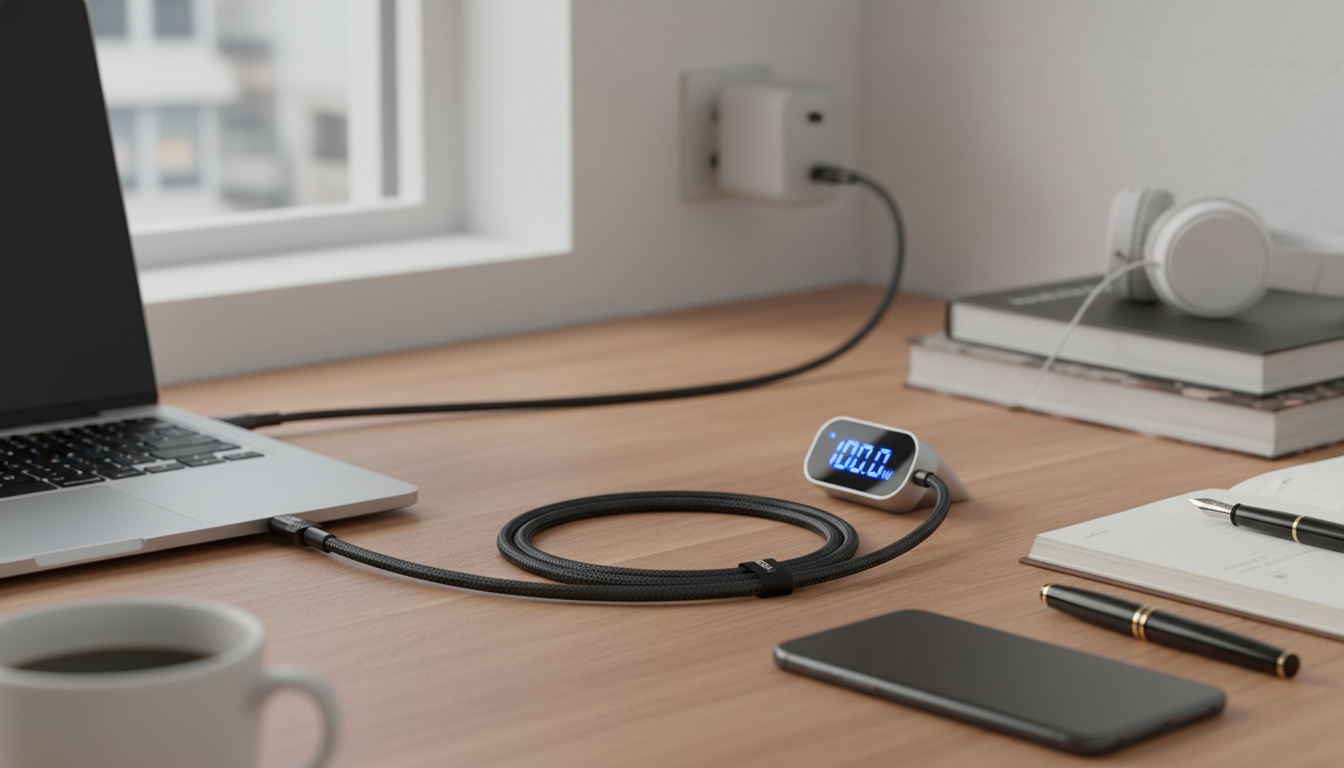
If you’re looking for a charging cable that’s ready for modern USB‑C fast charging, 100W USB‑C to USB‑C Fast Charging Cable with PD 3.0 & QC 4.0 – 5A Power is designed to support higher PD profiles with compatible adapters and devices while remaining backward-compatible for lower-power charging.
FAQ
Will a 100W USB‑C to USB‑C cable charge my laptop at full speed?
Only if your laptop supports USB‑C PD at that wattage and your charger can output the needed PD profiles. A 5A/e‑marked 100W cable enables high power, but the charger and laptop negotiate the actual charging rate.
Why does my device still show slow charging with a 100W cable?
The most common causes are a charger with insufficient wattage, using the wrong USB‑C port on a multi-port adapter, a device that caps its input, or a dirty/damaged charging port. The cable can’t increase the charger’s capacity; it only ensures it won’t be the bottleneck when everything else supports higher power.
Is QC 4.0 different from USB Power Delivery for USB‑C charging?
Yes—QC 4.0 is Qualcomm’s fast-charging standard, while USB PD is the USB-IF standard used broadly across USB‑C devices. Many QC 4.0 implementations are designed to interoperate with USB‑C/PD behavior, and the device plus charger will choose the best mutually supported mode.
Recommended for you







Leave a comment