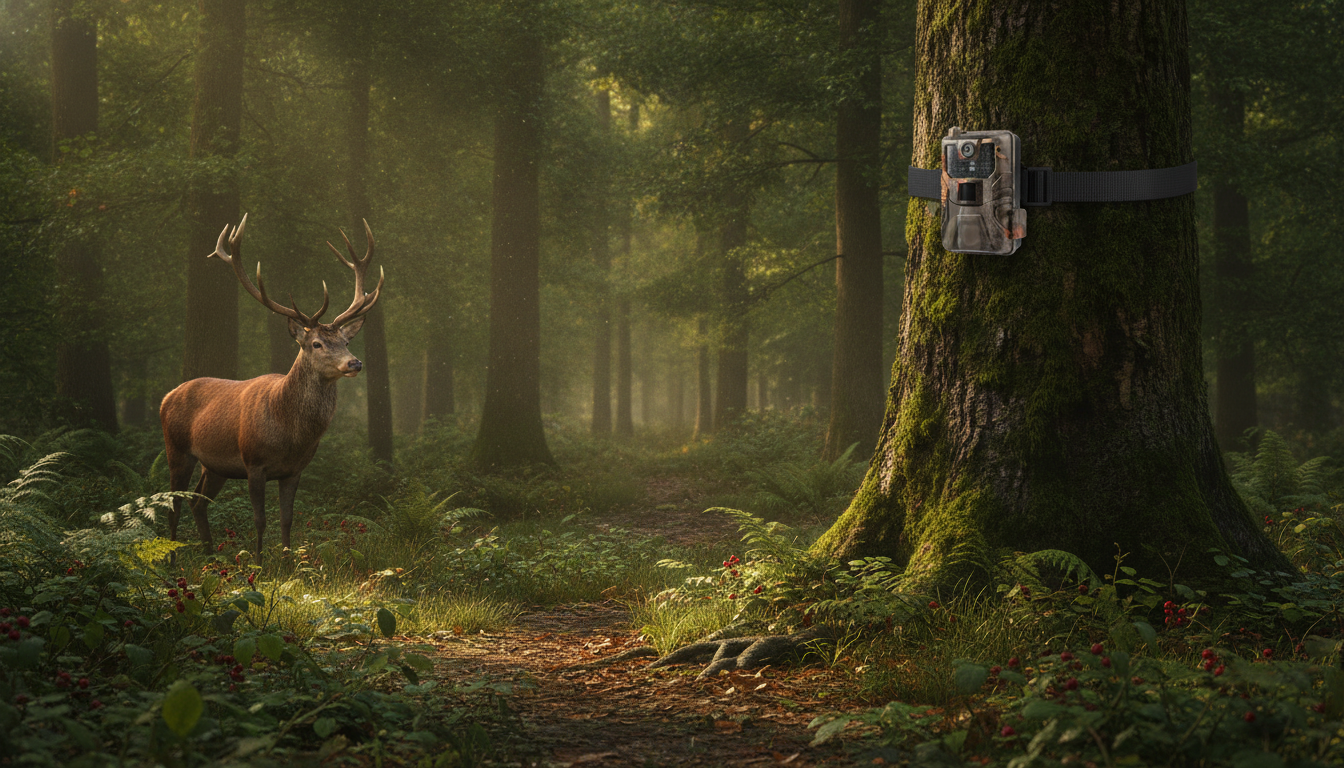
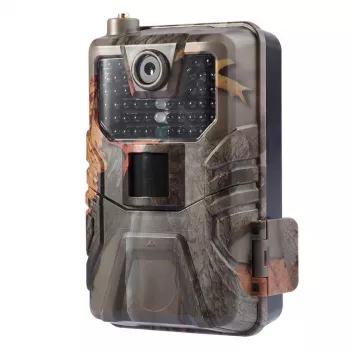
A cellular trail camera makes it possible to monitor wildlife activity, property, and hunting areas without frequent site visits. This model pairs 4K video with 20MP stills and a weather-sealed build to handle long-term outdoor placement while sending updates over a cellular connection. The result is faster insight into what’s happening on your land, plus fewer trips that can pressure game or tip off trespassers.
Traditional trail cameras are great at collecting evidence, but you typically don’t learn what they captured until you pull the SD card. A cellular trail camera flips that timeline by sending photos (and sometimes short clips) remotely.
When used thoughtfully, remote uploads can reduce the “human footprint” around bedding areas, funnels, and travel corridors—especially during pre-season scouting or late-season patterns.
Specs like 4K video and 20MP photos matter most when they translate into usable detail in real conditions. In daylight, higher resolution can help with identification, but performance at dawn, dusk, and night is often the real differentiator.
For high-traffic areas, photo-first modes are usually the most practical: quicker uploads, fewer missed detections due to reset time, and lower data use. Video becomes most valuable where behavior matters—scrapes, mineral sites (where legal), gates, or equipment areas—because movement direction and duration can be clearer than in a single frame.
Cellular performance is less about the camera’s marketing claims and more about what your installation spot can realistically deliver. A strong signal at the driveway can turn weak behind a ridge, inside thick timber, or under heavy canopy.
Batching uploads is often the sweet spot: you still get regular updates while cutting down on constant “wake and send” behavior that drains batteries faster. For general wireless considerations and consumer guidance, the Federal Communications Commission (FCC) is a helpful reference.
Long-term outdoor placement is where a weather-sealed, rugged housing pays for itself. Waterproofing helps, but smart installation choices prevent most field failures.
If you’re setting cameras for wildlife viewing, safety and respectful distance matter. The National Park Service wildlife viewing guidance is a solid standard for minimizing stress on animals and reducing risky encounters.
A great camera in a poor location produces disappointing results. Small adjustments in height, angle, and foreground cleanup can improve detection reliability and image clarity more than toggling settings.
| What to Compare | Why It Matters | What to Look For |
|---|---|---|
| Cell signal handling | Determines whether uploads succeed consistently | Carrier compatibility, antenna options, reliable app status |
| Night performance | Most wildlife movement happens in low light | Strong IR illumination, reduced blur, usable detail at range |
| Trigger + recovery time | Captures moving animals without missing frames | Fast trigger, short reset, consistent detection |
| Data usage controls | Prevents unexpected overages and preserves battery | Photo-first modes, scheduled uploads, adjustable video length |
| Weather and security | Long-term survival outdoors and theft deterrence | Waterproof seals, lock points, security box support |
They’re worth it when remote uploads save significant travel time, reduce disturbance in hunting areas, or provide faster security alerts. The tradeoff is ongoing cost through a data plan, so they tend to benefit remote properties, low-access locations, and anyone who wants timely notifications; easy-to-reach spots may do fine with a standard SD-card camera.
Data use varies mainly by how many uploads you send and whether you transmit photos or video: photos are typically manageable, while video can consume dramatically more data per clip. To control usage in high-traffic areas, use photo mode, shorter clip lengths when needed, and batching or scheduled uploads when available.


Leave a comment