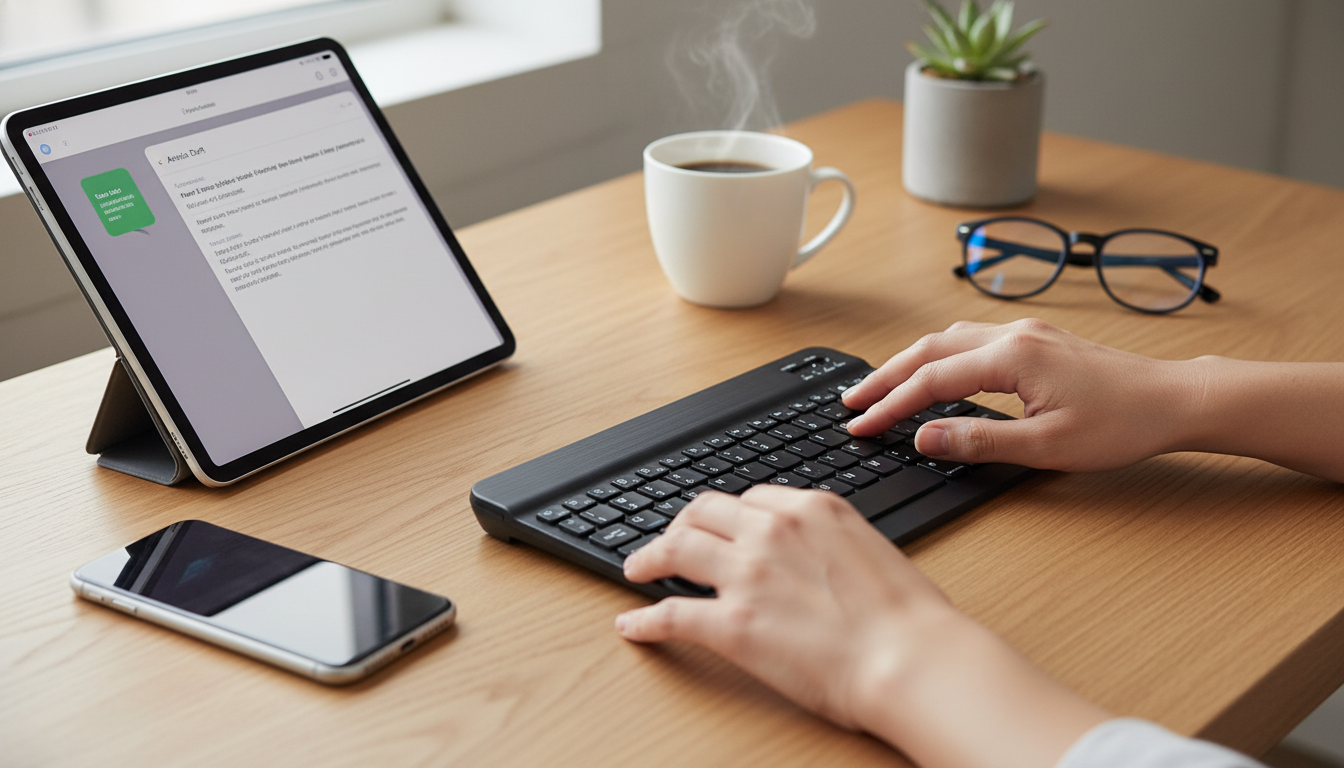
A compact Bluetooth keyboard can make an iPad or iPhone feel closer to a lightweight laptop—useful for writing, messaging, spreadsheets, and remote work. The best choice comes down to Apple compatibility details, layout comfort, battery habits, and where you’ll actually type: at a desk, on the go, or in tight spaces like airplanes. For more guidance, see Review: Epomaker GK68XS Bluetooth mechanical keyboard.
Mini Bluetooth keyboards shine when portability matters more than an all-in-one case. They’re a smart pick for a few common scenarios: For further reading, see BoxWave Keyboard Compatible with Apple iPad Air (3rd Gen 2019).
If you tend to type in short bursts—emails, chat messages, quick edits—a compact model can feel “good enough” while saving bag space. If you routinely write long documents, comfort features (spacing, stability, key feel) become the deciding factors.
Most Bluetooth keyboards work smoothly with iPadOS and iOS, and macOS pairing is typically straightforward as well. Still, a few details can make the difference between “connected” and “pleasant to use.” Apple’s own overview of keyboard support is a helpful baseline: Apple Support: Use a keyboard with iPhone, iPad, and iPod touch.
| Check | Why it matters | What to look for |
|---|---|---|
| Bluetooth version | Affects stability, efficiency, and compatibility | Modern Bluetooth support (often 4.0+), consistent connection in reviews |
| iPadOS/iOS function row | Speeds up navigation and media controls | Dedicated iOS/iPadOS shortcut keys where possible |
| Key size and spacing | Comfort during long typing sessions | Adequate pitch/spacing; avoid overly cramped designs for daily writing |
| Battery style | Impacts travel convenience | Rechargeable (USB) or replaceable batteries based on preference |
| Auto-sleep/wake | Extends battery life | Sleep after inactivity; quick wake on keypress |
| Multi-device switching | Reduces re-pairing hassle | Dedicated device switch keys or remembered devices |
Two keyboards can look similar online yet feel completely different after a week of real use. Pay attention to the “small” ergonomics—those determine whether you’ll actually keep the keyboard in your daily rotation.
One practical test when reading specs: compare the keyboard’s width to the device you’ll type with. If it’s dramatically narrower than an iPad, your hands may feel “pinched” during longer sessions.
Battery behavior is a bigger deal with pocket-sized keyboards than it is with full-size desktop models. Smaller frames can mean smaller batteries, and travel introduces more time in standby (inside a bag) than active typing.
Bluetooth itself is designed to be low power, but real-world efficiency varies by implementation. For a deeper overview of how Bluetooth works across devices, see Bluetooth SIG: About Bluetooth technology.
Bluetooth keyboards can have occasional input lag, connection drops, and battery dependence, especially in crowded wireless environments. Staying within range, using auto-sleep, and re-pairing through Bluetooth settings can reduce most day-to-day issues.
Yes, some compact Bluetooth keyboards include an integrated touchpad, but pointer behavior can vary by device and settings on iPadOS/iOS. The touchpad is often small, so users who rely on precise control may prefer a separate trackpad or mouse.
Bluetooth keyboards generally work on laptops that have Bluetooth, including Macs and many Windows laptops, by pairing in the system’s Bluetooth settings. Some keyboards also support multi-device switching, making it easier to share one keyboard between a laptop and a tablet or phone.




Leave a comment