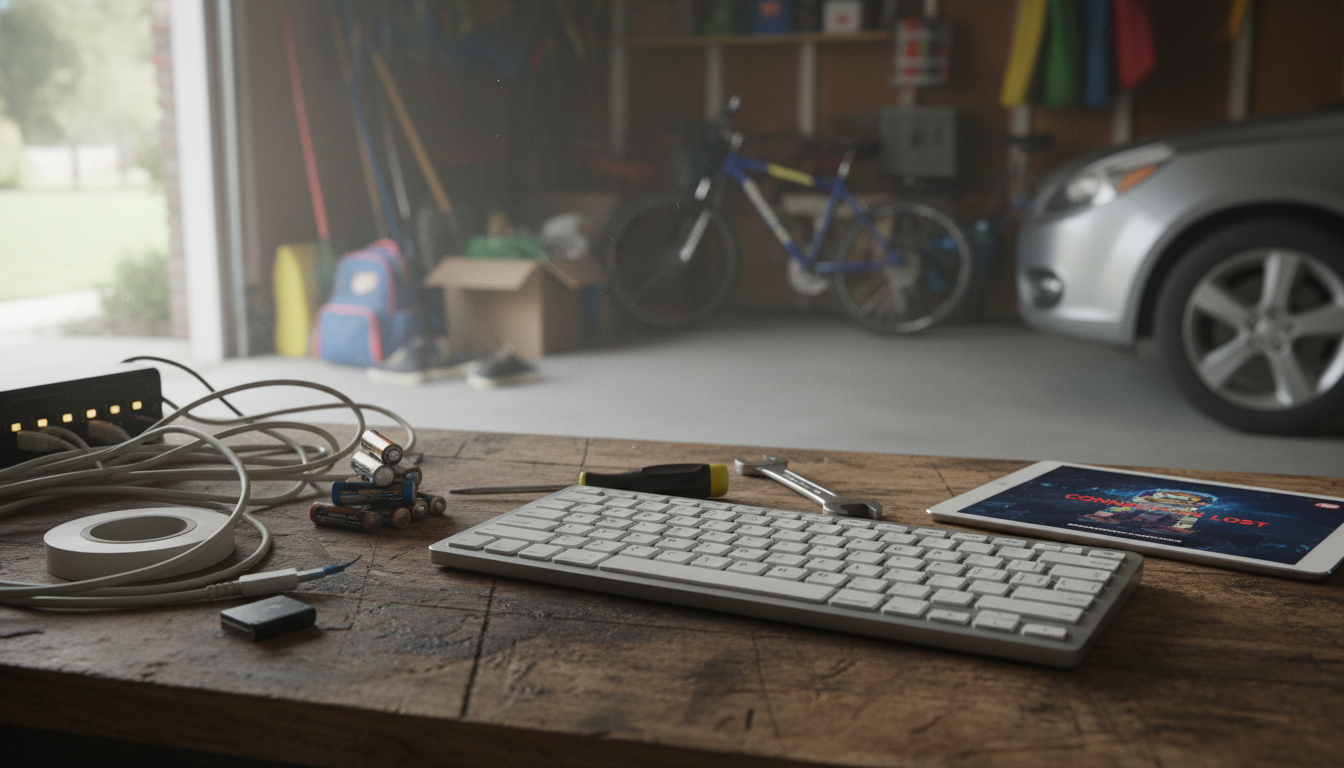
Bluetooth keyboards are convenient for travel and uncluttered desks, but they come with trade-offs that can matter depending on how and where you type. The biggest disadvantages usually involve connection reliability, power management, input responsiveness, and compatibility quirks across devices.
Bluetooth can be less predictable than a wired connection. Interference from other wireless devices, crowded office environments, or even certain laptop placements can cause brief disconnects or lag. Pairing can also be finicky when switching between a phone, tablet, and computer—especially if the keyboard supports only one stored device or handles multi-device switching poorly.
Most Bluetooth keyboards feel fine for everyday typing, but some users notice slight input delay compared to USB or proprietary 2.4GHz dongles. That delay can be more noticeable for fast typists, gaming, or real-time tasks like coding with heavy shortcut use.
Unlike wired keyboards, Bluetooth models rely on batteries. Rechargeable options need charging, and disposable-battery models require spares. If the keyboard dies mid-task, productivity stops until it’s charged or replaced—an annoyance that can be avoided with a cable.
Bluetooth keyboards often work across platforms, but not perfectly. Function keys and shortcuts can behave differently on iPadOS, iOS, Windows, Android, and macOS. Layout differences, missing keys, or remapped modifiers (like Command vs. Windows) can slow down workflow until settings are adjusted.
Modern Bluetooth security is generally strong, but wireless input isn’t as physically contained as a cable. For sensitive environments, organizations may prefer wired peripherals to reduce wireless attack surfaces and simplify device control policies.
If you’re choosing a travel-friendly option for an iPad or iPhone, see the deeper recommendations and buying tips here: portable Bluetooth keyboards for iPad and iPhone guide.
Yes, most do, but shortcut behavior and function keys can vary by app and iOS/iPadOS version. Checking key layout, multi-device support, and iPadOS-specific shortcuts helps avoid surprises.




Leave a comment