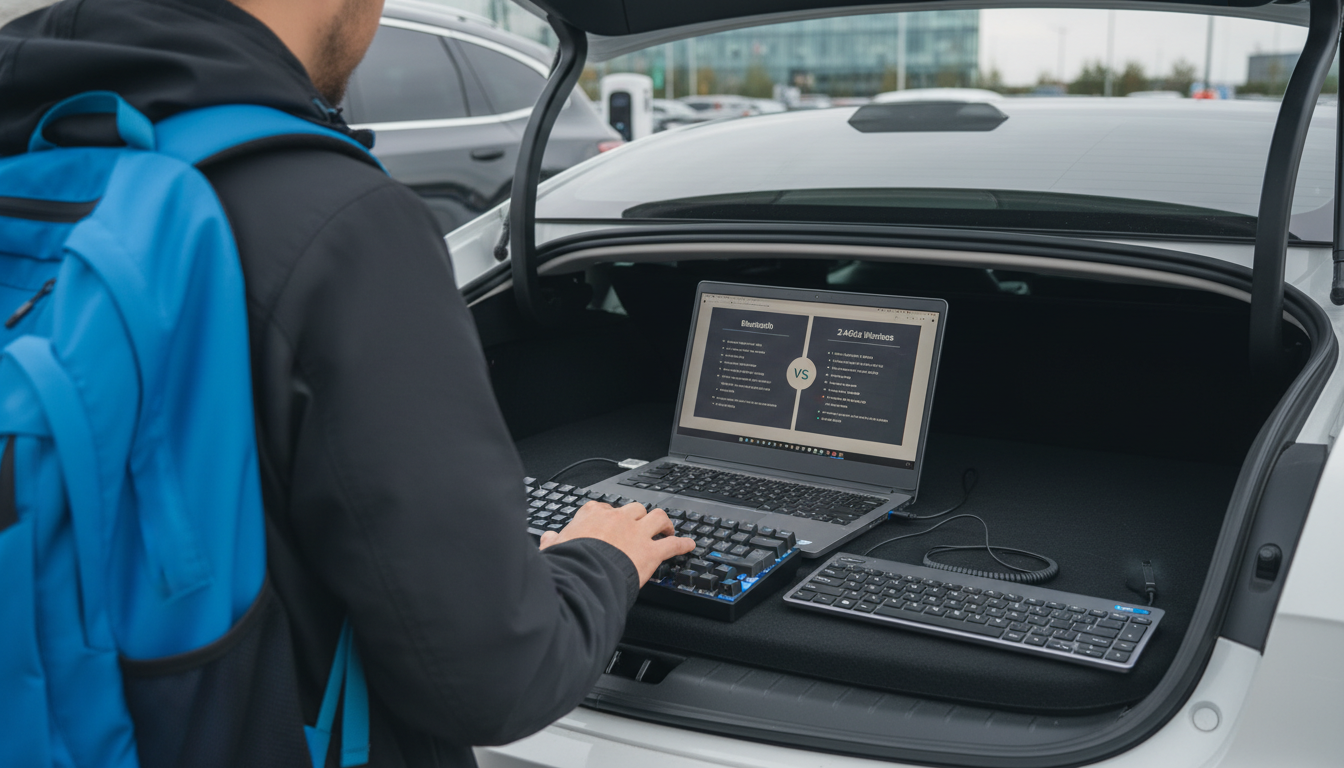
Neither is universally “better”—it depends on how and where the keyboard will be used. In everyday shopping terms, “wireless” usually means a 2.4GHz keyboard that connects through a small USB receiver (dongle), while a Bluetooth keyboard pairs directly with a phone, tablet, or computer without taking up a USB port.
Bluetooth is typically the best choice for tablets and phones, especially iPads and iPhones, because it connects without a USB receiver and keeps your limited ports free for charging or accessories. It’s also convenient for multi-device setups: many Bluetooth keyboards can switch between a tablet, laptop, and phone with a simple button press.
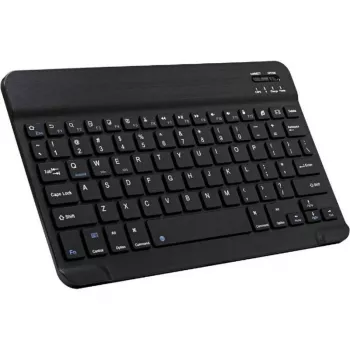
Trade-offs include potential pairing quirks, slightly higher input latency on some devices, and the need to manage battery or charging. If you’re building a compact travel setup, a Bluetooth model is often the cleanest, lightest option. For more practical tips on picking a travel-friendly option, see this guide to portable Bluetooth keyboards for iPad and iPhone.
A wireless keyboard with a USB receiver is frequently the better option for desktops and laptops that have full-size USB ports and stay in one place. These models are often “plug-and-play,” with stable connectivity and consistent performance—great for office work and long typing sessions.
The downside is that the receiver can be easy to lose, and some tablets/phones can’t use it without an adapter (and even then, compatibility varies). If you regularly switch between mobile devices, the dongle requirement can become a hassle.
Choose Bluetooth if you type on iPad/iPhone, travel often, or want easy device switching without a dongle. Choose 2.4GHz wireless if you want simple setup on a PC, maximum reliability at a desk, and don’t mind using a USB port.
Yes. Most Bluetooth keyboards pair easily with iPad and iPhone through Bluetooth settings, and many are designed specifically for iPadOS/iOS shortcut keys and layouts.



Leave a comment