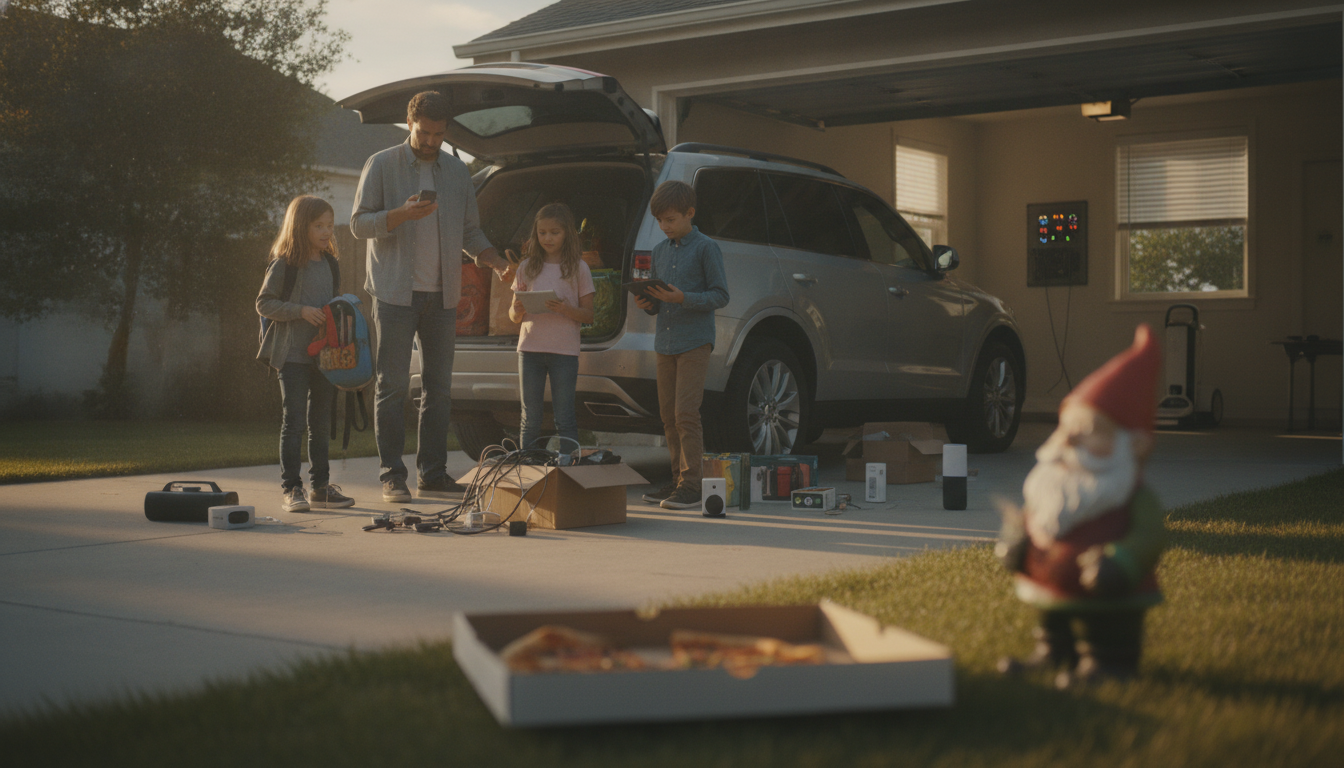
Homeowners aren’t rejecting technology outright—they’re pushing back on the parts of “smart home” living that feel expensive, intrusive, unreliable, or overly complicated. The biggest frustration is that many smart devices promise convenience but add new points of failure: spotty Wi-Fi, app outages, firmware glitches, and compatibility problems between brands. When basic functions like lights, locks, or fans depend on a cloud service or a phone app, a small hiccup can turn everyday comfort into a troubleshooting session.
Privacy concerns are another major driver. Cameras, microphones, and always-connected hubs can feel like an unnecessary risk, especially when people aren’t sure where data is stored, who can access it, or how long it’s retained. Even devices without microphones can generate detailed usage patterns that some homeowners would rather keep private.
Cost and obsolescence also fuel pushback. Smart products often carry a premium price, and some require subscriptions for features that used to be included. On top of that, software support can end long before the hardware wears out—leaving homeowners with expensive devices that are stuck on outdated apps or no longer work with modern phones and platforms.
Finally, there’s the usability issue. A home shared by kids, guests, or older relatives needs straightforward controls. If turning on a fan requires a voice assistant, a specific app, or a complicated routine, it can feel less like an upgrade and more like a barrier. Many shoppers now prefer “smart optional” products—devices that work great with a simple remote or wall switch, but still offer smart features for those who want them.
For a practical example of a comfort-first approach, see this guide on a smart ceiling fan that emphasizes everyday usability alongside smart convenience: https://splendona.com/guide-42-inch-smart-ceiling-fan-led-pendant-6-speed-remote-guide/.
Prioritize products with reliable manual controls (remote, wall switch, or onboard buttons), local operation for core features, and a clear track record of long-term app support. It also helps to choose devices that work with common platforms instead of locking you into one brand.
Homeowners aren’t rejecting technology outright—they’re pushing back on the parts of “smart home” living that feel expensive, intrusive, unreliable, or overly complicated. The biggest frustration is that many smart devices promise convenience but add new points of failure: spotty Wi-Fi, app outages, firmware glitches, and compatibility problems between brands. When basic functions like lights, locks, or fans depend on a cloud service or a phone app, a small hiccup can turn everyday comfort into a troubleshooting session.
Privacy concerns are another major driver. Cameras, microphones, and always-connected hubs can feel like an unnecessary risk, especially when people aren’t sure where data is stored, who can access it, or how long it’s retained. Even devices without microphones can generate detailed usage patterns that some homeowners would rather keep private.
Cost and obsolescence also fuel pushback. Smart products often carry a premium price, and some require subscriptions for features that used to be included. On top of that, software support can end long before the hardware wears out—leaving homeowners with expensive devices that are stuck on outdated apps or no longer work with modern phones and platforms.
Finally, there’s the usability issue. A home shared by kids, guests, or older relatives needs straightforward controls. If turning on a fan requires a voice assistant, a specific app, or a complicated routine, it can feel less like an upgrade and more like a barrier. Many shoppers now prefer “smart optional” products—devices that work great with a simple remote or wall switch, but still offer smart features for those who want them.
For a practical example of a comfort-first approach, see this guide on a smart ceiling fan that emphasizes everyday usability alongside smart convenience: https://splendona.com/guide-42-inch-smart-ceiling-fan-led-pendant-6-speed-remote-guide/.
Prioritize products with reliable manual controls (remote, wall switch, or onboard buttons), local operation for core features, and a clear track record of long-term app support. It also helps to choose devices that work with common platforms instead of locking you into one brand.
Homeowners aren’t rejecting technology outright—they’re pushing back on the parts of “smart home” living that feel expensive, intrusive, unreliable, or overly complicated. The biggest frustration is that many smart devices promise convenience but add new points of failure: spotty Wi-Fi, app outages, firmware glitches, and compatibility problems between brands. When basic functions like lights, locks, or fans depend on a cloud service or a phone app, a small hiccup can turn everyday comfort into a troubleshooting session.
Privacy concerns are another major driver. Cameras, microphones, and always-connected hubs can feel like an unnecessary risk, especially when people aren’t sure where data is stored, who can access it, or how long it’s retained. Even devices without microphones can generate detailed usage patterns that some homeowners would rather keep private.
Cost and obsolescence also fuel pushback. Smart products often carry a premium price, and some require subscriptions for features that used to be included. On top of that, software support can end long before the hardware wears out—leaving homeowners with expensive devices that are stuck on outdated apps or no longer work with modern phones and platforms.
Finally, there’s the usability issue. A home shared by kids, guests, or older relatives needs straightforward controls. If turning on a fan requires a voice assistant, a specific app, or a complicated routine, it can feel less like an upgrade and more like a barrier. Many shoppers now prefer “smart optional” products—devices that work great with a simple remote or wall switch, but still offer smart features for those who want them.
For a practical example of a comfort-first approach, see this guide on a smart ceiling fan that emphasizes everyday usability alongside smart convenience: https://splendona.com/guide-42-inch-smart-ceiling-fan-led-pendant-6-speed-remote-guide/.
Prioritize products with reliable manual controls (remote, wall switch, or onboard buttons), local operation for core features, and a clear track record of long-term app support. It also helps to choose devices that work with common platforms instead of locking you into one brand.
Homeowners aren’t rejecting technology outright—they’re pushing back on the parts of “smart home” living that feel expensive, intrusive, unreliable, or overly complicated. The biggest frustration is that many smart devices promise convenience but add new points of failure: spotty Wi-Fi, app outages, firmware glitches, and compatibility problems between brands. When basic functions like lights, locks, or fans depend on a cloud service or a phone app, a small hiccup can turn everyday comfort into a troubleshooting session.
Privacy concerns are another major driver. Cameras, microphones, and always-connected hubs can feel like an unnecessary risk, especially when people aren’t sure where data is stored, who can access it, or how long it’s retained. Even devices without microphones can generate detailed usage patterns that some homeowners would rather keep private.
Cost and obsolescence also fuel pushback. Smart products often carry a premium price, and some require subscriptions for features that used to be included. On top of that, software support can end long before the hardware wears out—leaving homeowners with expensive devices that are stuck on outdated apps or no longer work with modern phones and platforms.
Finally, there’s the usability issue. A home shared by kids, guests, or older relatives needs straightforward controls. If turning on a fan requires a voice assistant, a specific app, or a complicated routine, it can feel less like an upgrade and more like a barrier. Many shoppers now prefer “smart optional” products—devices that work great with a simple remote or wall switch, but still offer smart features for those who want them.
For a practical example of a comfort-first approach, see this guide on a smart ceiling fan that emphasizes everyday usability alongside smart convenience: https://splendona.com/guide-42-inch-smart-ceiling-fan-led-pendant-6-speed-remote-guide/.
Prioritize products with reliable manual controls (remote, wall switch, or onboard buttons), local operation for core features, and a clear track record of long-term app support. It also helps to choose devices that work with common platforms instead of locking you into one brand.







Leave a comment