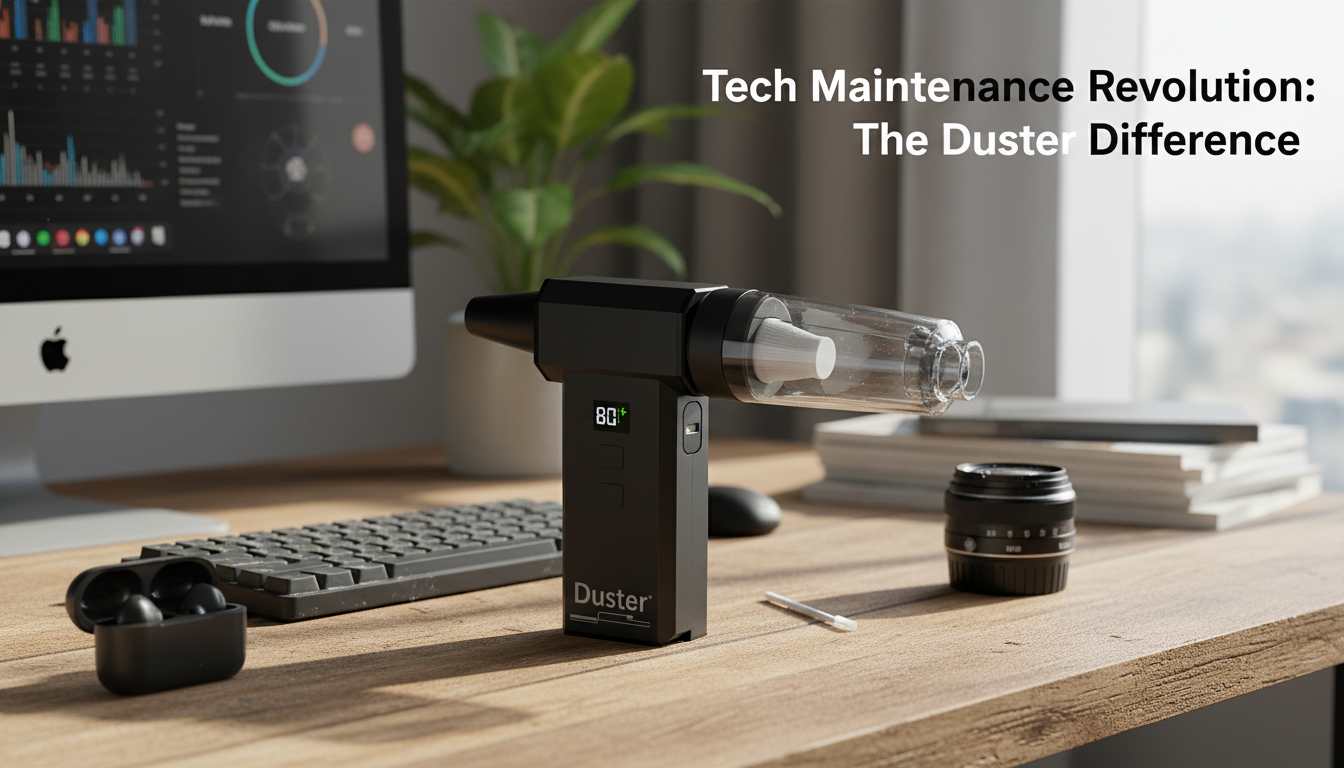
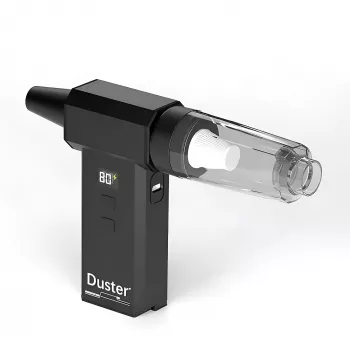
Yes—electric air dusters can be very good for PCs when used correctly. They deliver consistent airflow without the condensation risk that can come from canned air, and they’re reusable, which makes them convenient for regular maintenance. For desktop towers and gaming rigs that collect dust quickly, an electric duster can help keep fans, heatsinks, and filters clearer so airflow stays strong.
PCs rely on unobstructed airflow to manage heat. Dust buildup on intake filters, GPU shrouds, CPU coolers, and case fans can reduce cooling efficiency and increase noise as fans spin harder. A quality electric duster lets you blast debris out of tight spaces—especially around radiators and fin stacks—without running out mid-cleaning.
Power the PC down, switch off the PSU, and unplug it before cleaning. Use short bursts and hold the nozzle a few inches away rather than pressing it directly against components. It’s also smart to prevent fans from free-spinning: gently hold the fan blade in place (without forcing it) while blowing dust out. Clean in a well-ventilated area and consider taking the PC case outside to avoid redistributing dust indoors.
Not all electric dusters are equal. Very low-powered models may struggle to clear dense dust from heatsink fins, while overly aggressive use at close range can push dust deeper into crevices. Static is another consideration: avoid rubbing plastic nozzles against sensitive parts, and use a grounded approach (touch the metal case or wear an anti-static strap) before reaching inside.
For more details on selecting a high-speed handheld model and cleaning techniques for PC, car, and home use, see the full guide here: https://splendona.com/guide-130000rpm-handheld-air-duster-pc-car-home-guide/.
It can if you let fans spin freely at high speed while blasting air. Hold the blades still while cleaning to reduce stress on the bearings and prevent overspinning.




Leave a comment