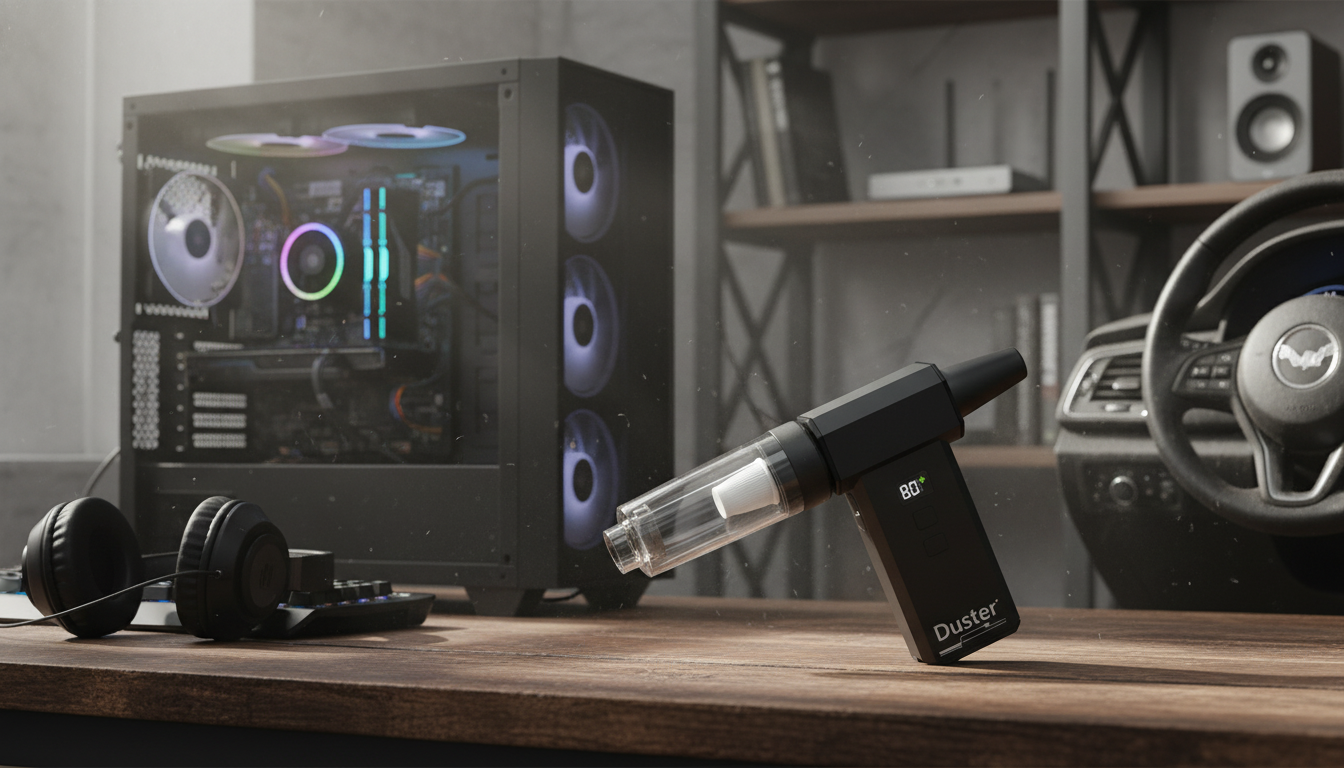
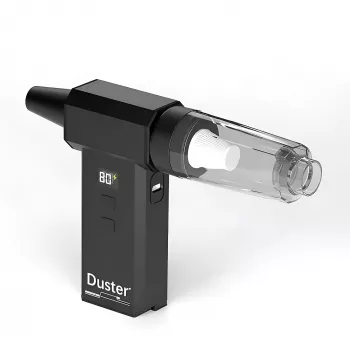
A high-RPM handheld air duster is designed to push a strong, controlled stream of air to remove dust and debris from sensitive electronics, tight car interiors, and everyday household surfaces—without relying on disposable aerosol cans. This guide covers what the 130000RPM class of turbo blowers is best for, how to use one safely, and what to look for before buying.
High-speed handheld turbo blowers are popular because they can reach places a cloth can’t, and they can dislodge debris without direct contact. Common use cases include:
“130000RPM” describes motor speed, but real cleaning performance depends on how the blower converts that speed into usable airflow. Nozzle design, internal ducting, and how consistently the tool maintains output under load all affect results.
| Task | Recommended approach | Why it helps |
|---|---|---|
| PC case filters and radiator fins | Medium-to-high airflow from a short distance | Pushes dust out without grinding it deeper into fins |
| Keyboard and keycap gaps | Low-to-medium airflow at an angle | Reduces the chance of dislodging keycaps or forcing debris into switches |
| Laptop vents (external) | Low airflow, brief passes | Helps avoid overspinning internal fans or pushing dust inward |
| Car vents and seat rails | Medium airflow with a narrow nozzle | Targets tight channels where crumbs collect |
| Delicate items (camera gear, collectibles) | Lowest airflow, increased distance | Avoids moving small parts or abrading surfaces |
High-speed air dusters can be safe for electronics when used with a careful process. The goal is to lift and remove dust while avoiding fan overspin, static risk, and physical impact from close-range airflow.
For general electrical safety habits—especially when unplugging, disassembling, or working around power supplies—review basic guidance from OSHA’s electrical safety resources.
Air blowers shine when paired with a plan to capture what gets dislodged. Without a follow-up step, loosened debris can simply settle back down.
Because high-speed blowers can be loud, it may be worth reviewing hearing protection basics from NIOSH’s noise and hearing loss prevention guidance, especially for longer cleaning sessions in garages or workshops.
Specs can look similar across devices, so it helps to focus on features that change day-to-day usability and reduce the chance of accidental damage.
If reducing disposable products is part of the appeal, it can also be useful to explore broader product safety and household chemical considerations through the EPA Safer Choice program.
Yes, when used correctly: power the PC off, hold fans to prevent overspin, use controlled passes, and avoid pushing dust deeper into components. They’re a reusable alternative to disposable cans for routine maintenance.
PSI varies by product, temperature, and how full the can is, and many brands don’t publish a single fixed PSI. Practical performance is usually better judged by airflow strength, nozzle design, and how consistent the output feels during use.
Any high-powered duster can cause issues if misused, especially by overspinning fans, forcing debris into ports, or getting too close to delicate parts. Start on low, keep some distance, and stabilize fans when cleaning desktops.





Leave a comment