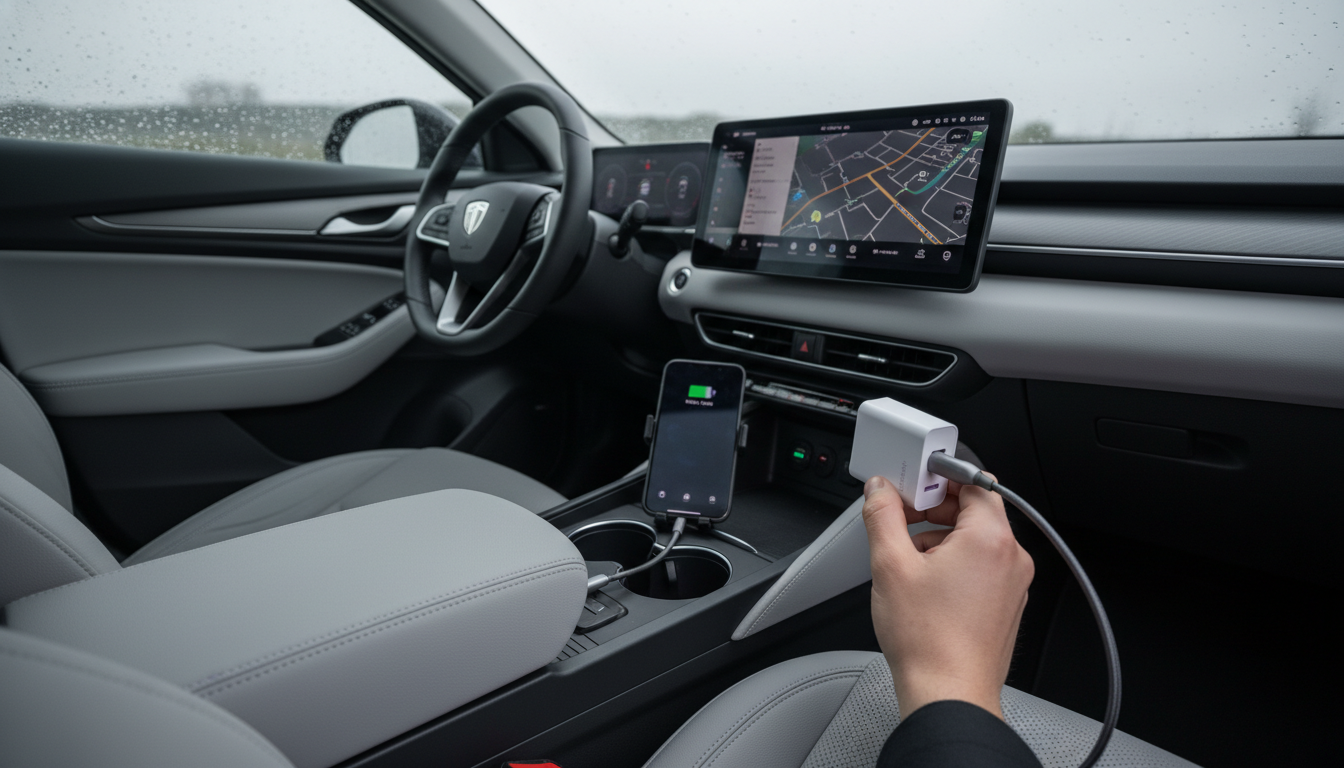
Yes—when it’s a properly rated GaN (gallium nitride) fast charger and it’s paired with the right cable and device, it works very well. GaN chargers are designed to deliver higher power in a smaller, cooler-running package than many older silicon-based designs. In real-world use, that typically means faster charging for phones, tablets, and even some laptops, plus better portability for travel or everyday carry.
A GaN fast charger “works” when it consistently negotiates the correct charging profile (like USB-C Power Delivery or Quick Charge) and supplies stable power without overheating, disconnecting, or throttling unnecessarily. For a phone, that usually shows up as a “Fast Charging” indicator and noticeably quicker top-ups. For a USB-C laptop, it means the charger can hold the wattage your laptop needs (often 45W–65W for many models) while you’re using the device, not just when it’s asleep.
Most complaints come from mismatches rather than the GaN technology itself. Common causes include using a cable that can’t handle the wattage (for example, a basic USB-C cable with a 60W/100W device), plugging into the “wrong” port on multi-port bricks where power is shared, or expecting maximum speed from a device that doesn’t support the same fast-charge standard. Some devices also slow charging as the battery approaches full or when the device gets warm—this is normal battery protection behavior, not a charger failure.
Check three things: the charger’s wattage rating, your device’s supported charging standard, and your cable’s rating (look for 60W/100W USB-C PD-capable cables for higher-power devices). If you want a deeper walkthrough on choosing ports, power output, and compatibility for a 65W class charger, see the full guide here: https://splendona.com/guide-65w-gan-usb-c-wall-charger-quick-charge/.
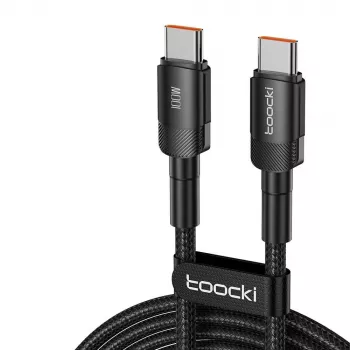
Use a USB-C to USB-C cable rated for USB Power Delivery and the wattage you need (60W for many phones/tablets; 100W is a safe choice for broader laptop compatibility). A low-rated or older cable can force slower charging or cause intermittent connections.






Leave a comment