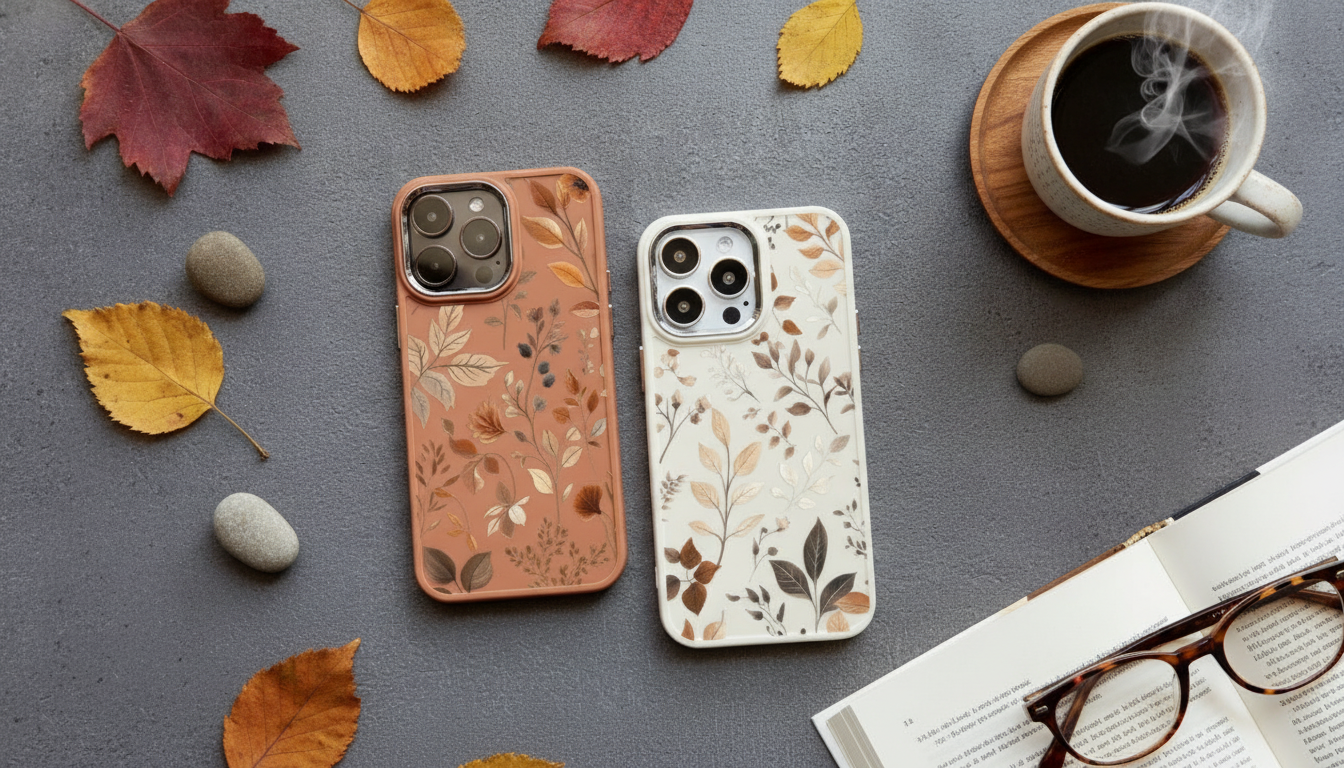
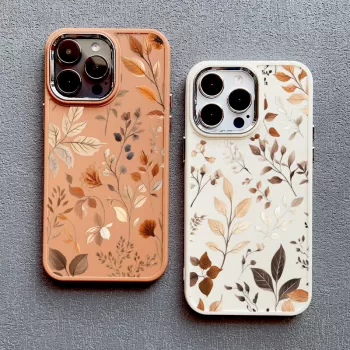
A slim, grippy silicone case with an autumn leaf look can add everyday protection without turning an iPhone into a brick. The best versions combine flexible shock absorption, raised edges that help avoid scratch contact, and a snug fit that stays seated on impact. Below is what a “silicone shockproof” build typically does well, where its limits are, and how to confirm you’re buying the right case for your exact iPhone model.
An autumn leaves silicone shockproof case is built for daily use: pockets, desks, car cups, and the occasional drop. Silicone’s natural flexibility helps cushion impacts, while the soft-touch exterior can make a glass-backed iPhone easier to grip.
Silicone cases typically protect by flexing on impact, helping reduce sharp shock transfer into the iPhone frame. That flexibility is especially helpful around corners—where most drops make first contact—so corner coverage and a snug fit matter as much as thickness.
Look for raised edges around the screen and camera. These lips help keep glass and lenses from scraping when the phone is placed face-down or set on a desk. Also note that soft-touch silicone can attract lint or dye transfer (from denim, for example), so choosing a finish that’s easy to wipe down helps the case keep its “new” look.
Silicone is excellent for everyday bumps and common pocket-height drops. It’s not a guarantee against damage from extreme heights, sharp impacts (like rocks or curb edges), or unlucky angles that focus force on the glass.
| Feature to check | Why it matters | Quick way to verify |
|---|---|---|
| Corner coverage | Corners take the first hit in most drops | Squeeze each corner; it should snap back and stay seated |
| Screen lip | Helps prevent face-down screen scratches | Place phone face-down; glass should not touch the table |
| Camera ring height | Reduces lens scratches on desks | Set phone on its back; lenses should not wobble on the surface |
| Button feel | Good protection shouldn’t make buttons hard to press | Press volume/power; look for clean, clicky actuation |
| Port cutouts | Avoid cable fit issues and trapped dust | Test charging cable and any preferred accessories |
Autumn leaves designs tend to be more forgiving than a solid glossy color because the pattern can visually hide minor scuffs and tiny marks that build up over time. Many silicone finishes are matte and slightly “warm” to the touch, which can feel more comfortable in cooler weather than hard plastic.
If you frequently pocket your phone with keys, consider pairing the case with a tempered glass screen protector; silicone protects the frame and back well, but the display still benefits from a dedicated scratch barrier.
When there aren’t specific product listings to compare side-by-side, a simple decision checklist helps narrow the options to cases that fit correctly and protect well.
Match the case to the exact iPhone model name, not just the screen size. Camera modules, button positions, and side features change across generations—even when displays are close in size. To confirm your model, Apple provides an official guide here: Apple Support: Identify your iPhone model.
| What to compare | Where to look on the phone | What should match |
|---|---|---|
| Model name | Settings → General → About | Exact iPhone model listed |
| Camera module | Back of phone (top-left) | Cutout shape and size |
| Side controls | Left/right edges | Buttons and switch/cutout positions |
| Bottom layout | Charging port and speakers | Port opening and speaker holes alignment |
Most silicone cases allow wireless charging, but real-world results depend on thickness and alignment. If a case is unusually thick or doesn’t sit flat against the phone, charging can become slower or inconsistent. For MagSafe accessories, performance depends on whether magnets are integrated and positioned correctly; Apple’s overview of MagSafe can help set expectations: Apple Support: About MagSafe on iPhone.
Silicone helps absorb everyday impacts and can reduce scuffs and corner damage, especially when the case fits snugly. No case guarantees zero damage, so prioritize strong corner coverage plus raised lips for the screen and camera.
Check Settings → General → About for the exact model name, then match it to the case listing. Confirm the camera cutout shape and the side-button layout to avoid buying a case meant for a different generation.
Wireless charging often still works through silicone, but extra thickness or poor fit can reduce reliability. MagSafe accessory strength depends on whether the case has properly aligned magnets built in.




Leave a comment