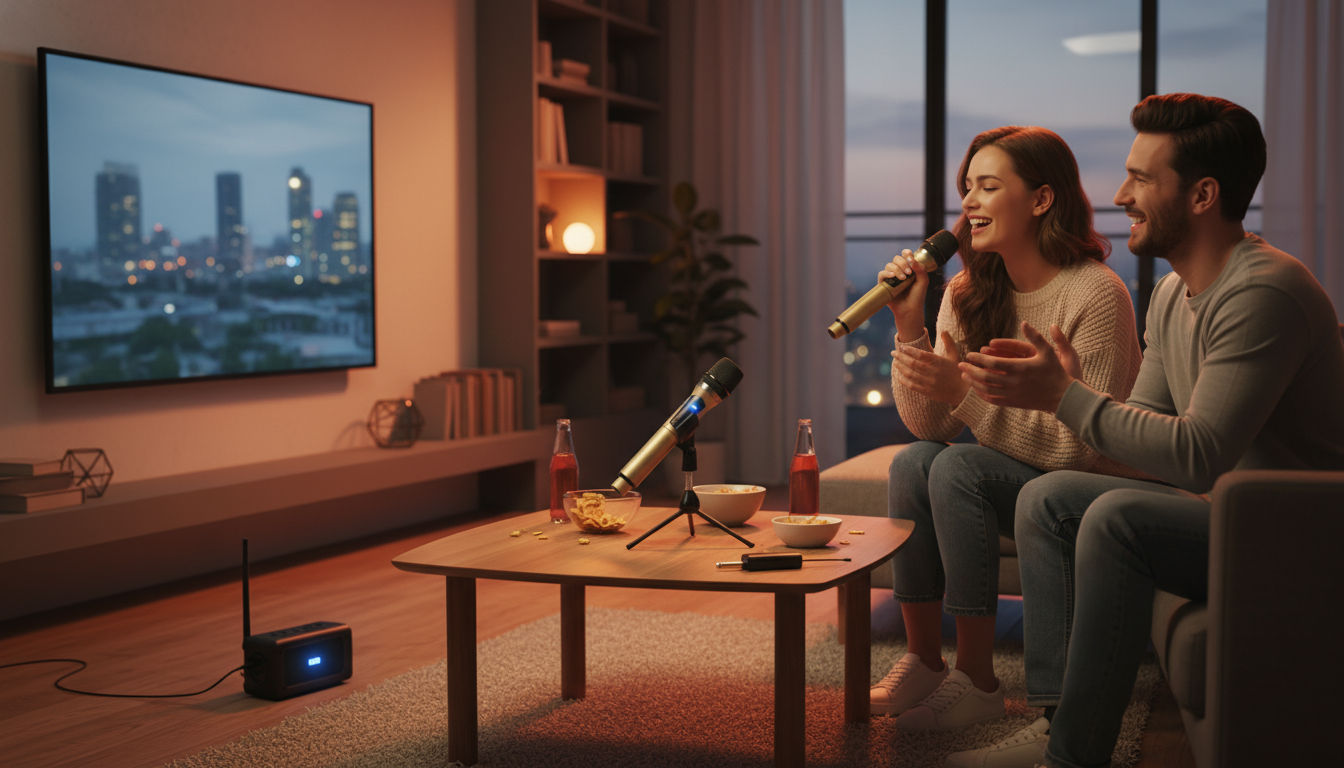
A rechargeable handheld wireless microphone with a UHF receiver is a practical upgrade for home karaoke, presentations, classrooms, and small events. UHF systems are designed to provide stable audio, usable range, and low latency compared with many app-based wireless options, while rechargeable power helps reduce downtime and battery costs. For more guidance, see How to Choose the Best Wireless Microphone System – AVIXA.
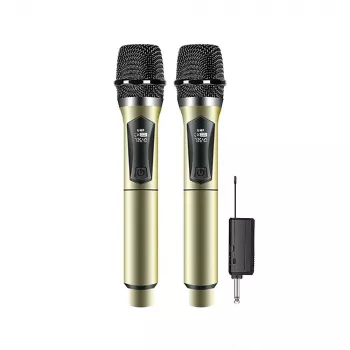
This kind of handheld UHF microphone + receiver bundle is made to feel “plug-and-go” once your receiver is connected to your sound system. For further reading, see Wireless Lavalier Microphone System with Headset & Lapel Mics, 4 ….
UHF wireless microphones transmit your voice over dedicated radio frequencies to a receiver, which then feeds your speaker, mixer, or karaoke machine. Because the signal path is purpose-built for audio, many people notice more natural timing for speech and singing than with phone-style Bluetooth audio.
For a high-level overview of wireless device authorization and RF considerations, the FCC’s consumer guidance is a helpful reference: FCC — Wireless devices and health concerns. If you’re operating multiple wireless systems or running sound in busy RF environments, practical coordination tools like Shure’s guidance can also be useful: Shure — Wireless Frequency Coordination.
A clean setup prevents most “wireless mic problems” before they start. Use these steps to get reliable sound quickly.
| Symptom | Likely cause | Fix |
|---|---|---|
| No sound | Receiver not connected to the correct input or volume muted | Confirm cable/adapter fit, select the correct input, raise gain/volume slowly |
| Dropouts or cutting out | Distance, obstacles, or RF interference | Move closer, keep receiver unobstructed, reposition away from Wi‑Fi routers/metal objects |
| Loud squeal (feedback) | Speaker too close or pointing toward microphone | Move speaker forward, lower gain, aim speakers away from mic |
| Distortion/clipping | Input gain too high | Lower gain on mixer/speaker input; keep mic at a consistent distance |
Karaoke sounds best when the vocal is clear and consistent. A handheld UHF mic helps, but technique and speaker placement do the rest.
For speech, the goal is intelligibility—people should catch every word without strain. With a handheld mic, small habits make a big difference.
For live voice and singing, UHF systems typically feel more immediate and stable because they use dedicated radio transmission to a receiver instead of Bluetooth audio profiles. Real-world performance still depends on your environment, interference sources, and the quality of the microphone and receiver.
Charge the mic, connect the receiver to the correct audio input, power on the receiver first and then the mic, and raise gain/volume gradually. If it cuts out, reduce distance and obstacles; if it feeds back, move speakers in front of the mic and lower input gain.
Most UHF receiver-based wireless microphones don’t pair via Bluetooth; the microphone links to its receiver, and the receiver connects to your audio system by cable. If your speaker only supports Bluetooth, use a speaker with an AUX/mic input or an appropriate input adapter so the receiver can plug in directly.






Leave a comment