Start with a skill you can teach and a specific result your students want to achieve. You do not need a large audience or a professional studio to begin. A focused course, a simple recording setup, and a plan for reaching the right learners are enough to get your first version underway.
List the skills, processes, or subjects you know well enough to explain clearly. Then narrow your idea to one audience and one practical outcome. For example, “create a monthly household budget” gives students a clearer goal than “learn about personal finance.”
Talk with potential learners or review the questions they ask in relevant communities. Look for a problem they want to solve and identify what might prevent them from making progress on their own.
Work backward from the result your students want. Break the journey into a few milestones, then turn each milestone into short lessons. Arrange the lessons in the order students will need them, and remove material that does not support the course goal.
Add a practical activity, checklist, template, or quiz where it helps students apply what they have learned. Our team recommends defining what students should be able to do after each section before you begin recording.
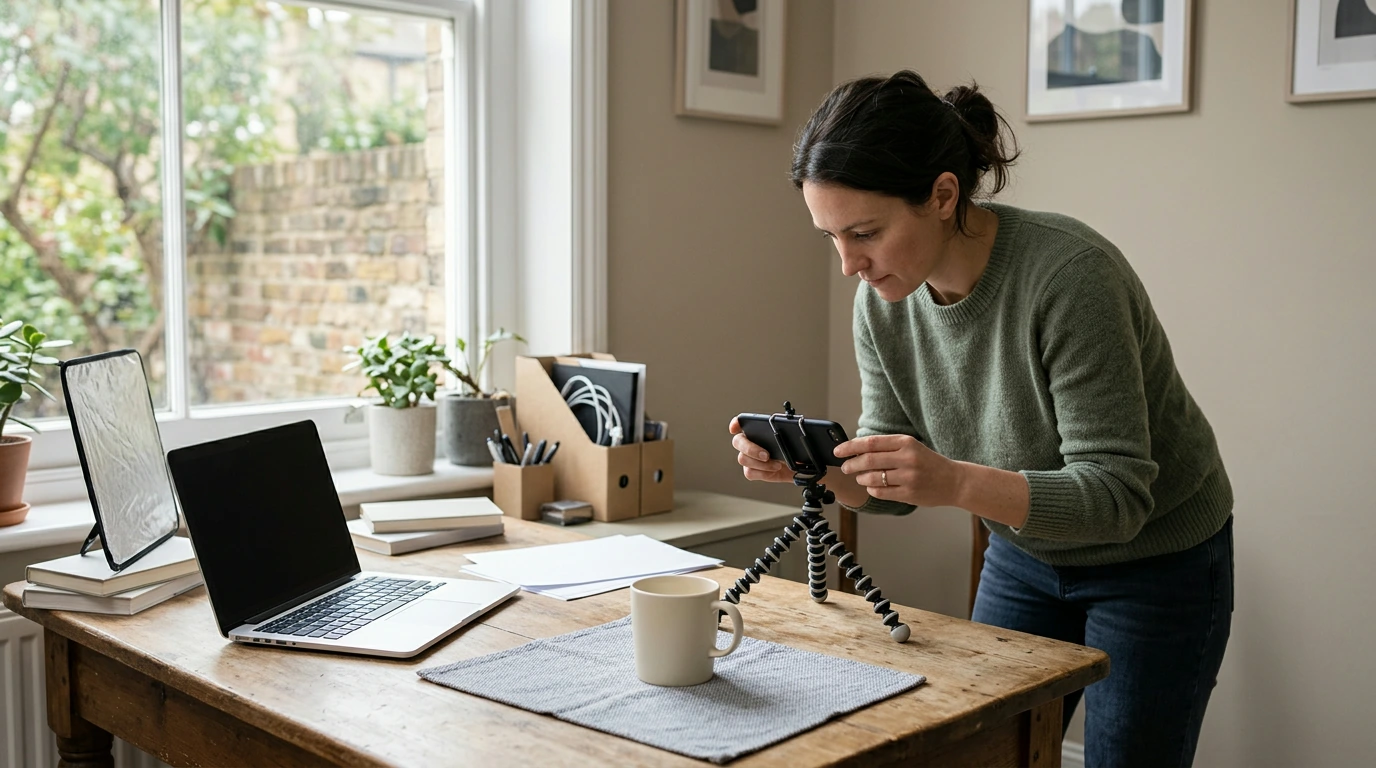
Choose a format that suits the material. Screen recordings work well for software demonstrations, while slides, audio, or downloadable guides may be useful for other topics. Record in a quiet space, use clear audio, and keep each lesson focused on one task or concept.
Next, choose a course platform that supports your preferred lesson formats, payment method, and student access. Test the enrollment and checkout experience yourself before inviting students.
Set a price that reflects the value and scope of your course, then explain who it is for and what learners can expect. Share it with people who already follow your work, your email list, or relevant communities where promotion is welcome. Ask early students for feedback and use it to clarify lessons and improve future versions.
For more guidance on planning and selling your course, explore our guide to creating an online course for passive income.
You can start with a computer or smartphone, a reliable microphone, and a quiet place to record. Add screen-recording software if your lessons involve demonstrations, and use lighting that makes you easy to see if you appear on camera.




Leave a comment