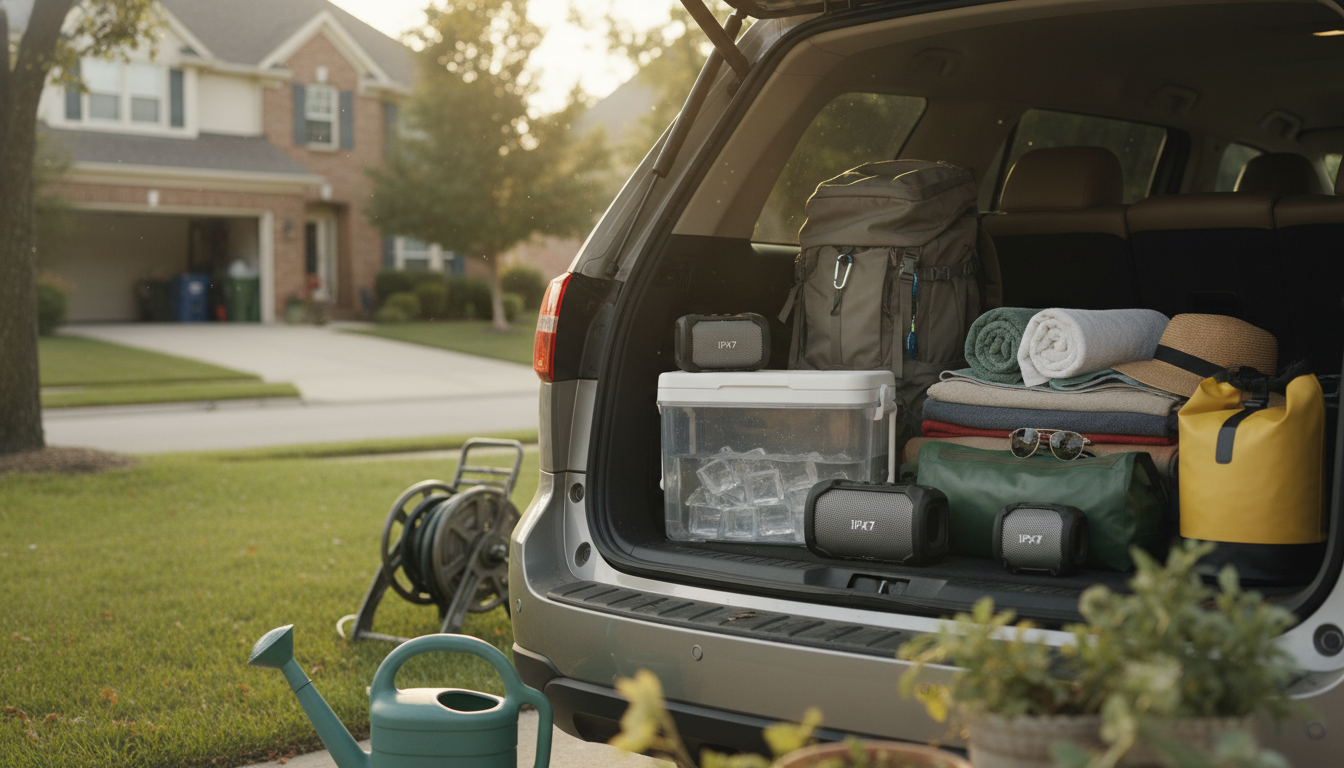
An IPX speaker is a portable speaker with a water-resistance rating based on the IP (Ingress Protection) standard. The “IPX” label means it has been tested specifically for water exposure, while the dust portion of the rating isn’t specified. You’ll usually see IPX followed by a number (like IPX4, IPX6, or IPX7), which indicates how much water the speaker can handle.
In practical terms, an IPX-rated speaker is designed for places where splashes, rain, steam, or even accidental drops in water might happen—think poolside hangouts, showers, camping trips, and beach days. The higher the number, the stronger the protection. For example, an IPX4 speaker typically handles light splashes, while an IPX7 speaker is commonly rated to survive temporary immersion in water (often up to about 1 meter for around 30 minutes, depending on the manufacturer’s test conditions).
Choosing the right IPX level comes down to where you’ll use the speaker. If it’s mostly for the kitchen, patio, or occasional drizzle, a lower rating may be enough. If you want a speaker you can confidently bring into wet environments—like a shower caddy, kayak, or a busy pool area—an IPX7-rated model offers more peace of mind against mishaps.
Water resistance still has limits. “IPX” doesn’t automatically mean the speaker is safe for saltwater, high-pressure spray, or repeated submersion, and seals can wear over time. It’s also smart to keep charging ports fully closed and follow the brand’s care instructions after exposure to water.
For a practical walkthrough of what to look for (including IPX7 performance and long battery life), visit this waterproof Bluetooth speaker guide.
Turn on the speaker and put it in pairing mode, then open Bluetooth settings on your phone and select the speaker from the device list. If it asks for a PIN, try 0000 or 1234, or check the manual. Once paired, it should reconnect automatically next time when Bluetooth is on.




Leave a comment