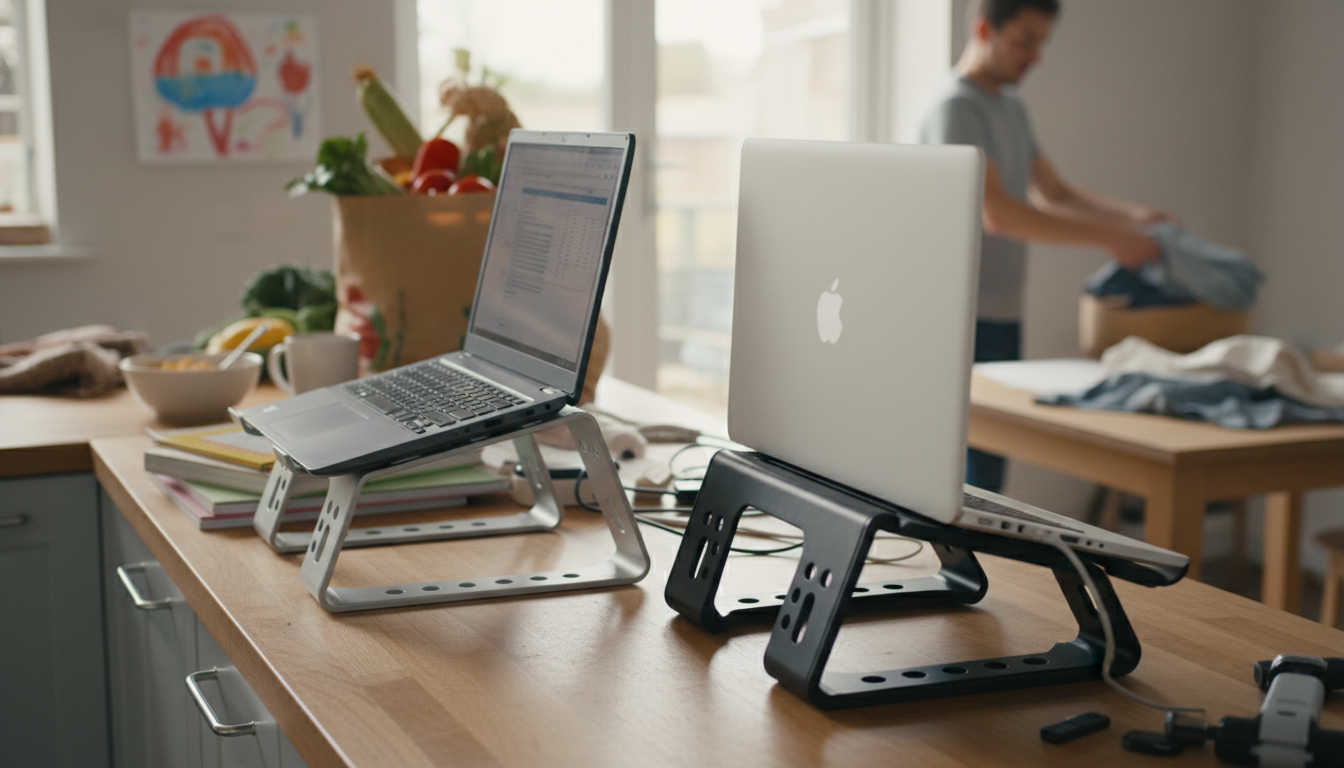
For most desks and daily use, a metal laptop stand is the better choice because it’s typically sturdier, more stable, and better at managing heat. Plastic stands can still make sense for lightweight portability and tighter budgets, but they tend to flex more and wear faster over time—especially with heavier laptops.
Metal stands (especially aluminum or steel) usually have more rigidity and weight, which helps prevent shaking when typing. If the stand has solid hinges and grippy pads, it can feel nearly “locked in” on the desk. Plastic models vary widely: some are reinforced and stable, but many develop wobble from flexing joints or lightweight frames.
Metal stands generally help with airflow because they lift the laptop and keep vents unobstructed, and the metal itself can act as a mild heat sink. Plastic stands can still improve airflow if they elevate the device, but they don’t dissipate heat as effectively and may soften or warp slightly if exposed to high heat over long periods.
Metal stands tend to survive years of adjustments, commuting, and daily handling with less cracking or fatigue. Plastic can be perfectly fine for occasional use, but hinges, clips, and thin supports are more likely to fail if you’re constantly changing angles or carrying the stand around.
Plastic stands often win on weight, making them easy to toss in a bag. Metal stands can be heavier, but many fold flat and travel well; the trade-off is a more premium, stable feel at your workstation. If you use an external keyboard and mouse, either material can work—just prioritize the right height and angle.
Choose metal if you use a larger laptop, type directly on the keyboard, want better cooling, or care about long-term sturdiness. Choose plastic if you need the lightest option, prefer a lower price, and primarily use the stand occasionally or with very light devices.
For a deeper breakdown of ergonomics, cooling, and stability considerations, see the full guide here: https://splendona.com/guide-aluminum-laptop-stand-guide-ergonomics-cooling-stability/.
Aim to raise the screen so the top is at or just below eye level, with your neck relaxed. If that height makes typing uncomfortable, pair the stand with an external keyboard and mouse.






Leave a comment