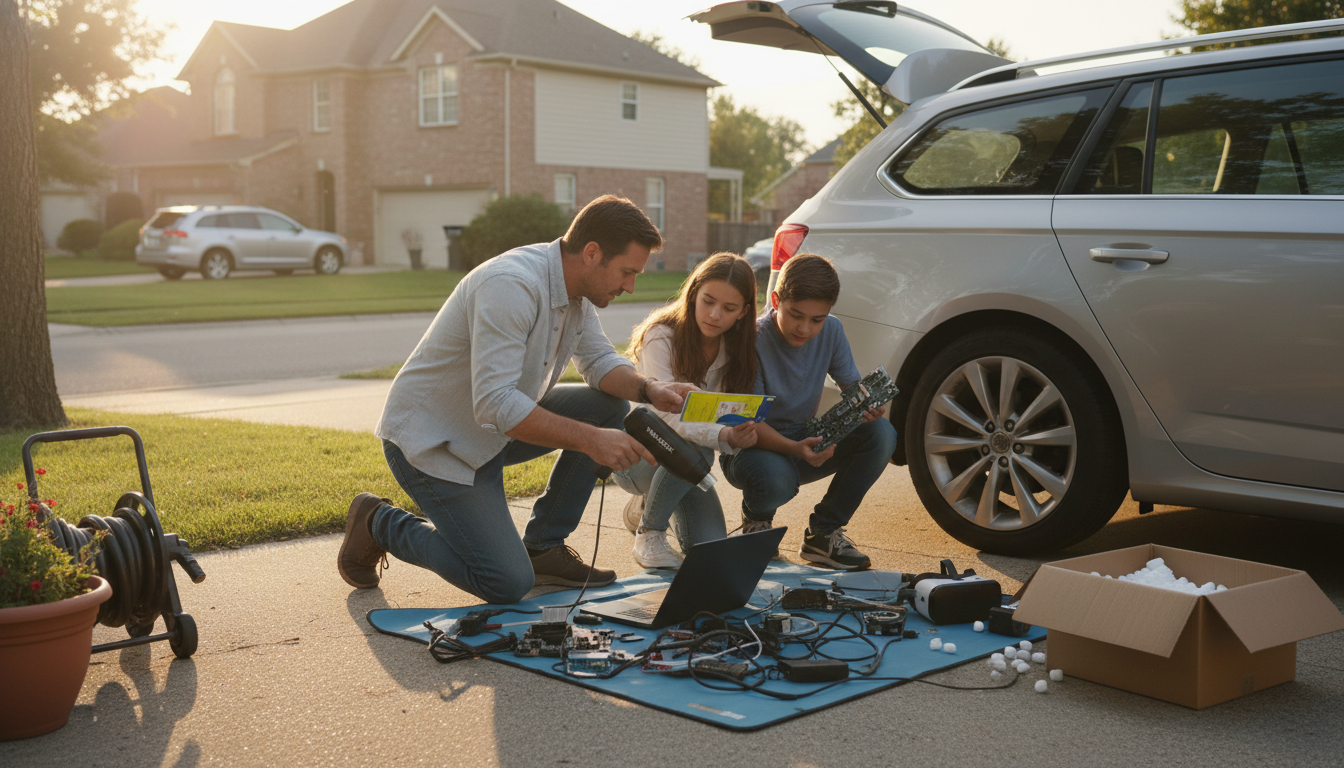
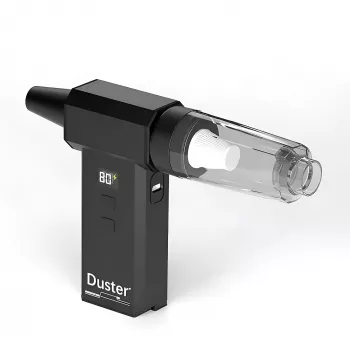
A WOLFBOX air duster is generally safe for electronics when used correctly, but it can cause damage if it’s used too close, at full power on delicate parts, or if it spins fans beyond their intended speed. The tool’s high-speed airflow is designed to remove dust—not to “blast” components—so technique matters as much as the device.
The most common risks come from force and movement. A strong jet of air can overspin GPU/CPU fans, potentially stressing bearings or generating unwanted voltage in some fan circuits. Loose jumpers, small headers, or fragile cables can also be nudged out of place if the nozzle is aimed directly at them from a short distance.
Another concern is static electricity. Many modern electric air dusters are designed to minimize static, but static discharge is still possible if the environment is very dry or if the nozzle brushes against sensitive components. Also, blowing dust deeper into connectors or ports can create new issues if the airflow is directed into tight gaps instead of out and away.
Start with the lowest effective speed and increase only as needed. Hold the nozzle a few inches away and use short bursts rather than a long continuous blast. For PC cleaning, stabilize or gently hold fans in place (without forcing them) so they don’t free-spin at extreme RPM. Angle airflow so dust exits the case instead of being driven further inside.
Power down the device, unplug it, and let components cool before cleaning. Avoid touching the nozzle tip to circuit boards, and keep airflow away from very small connectors, switch toggles, or fragile ribbon cables. If you’re cleaning a keyboard, console, or car electronics, focus on sweeping dust out rather than “drilling” air into seams.
Used thoughtfully, a WOLFBOX air duster can be a convenient alternative to canned air for PCs, car vents, and home electronics. For a deeper walkthrough on handling high-RPM handheld models, see the full guide here: https://splendona.com/guide-130000rpm-handheld-air-duster-pc-car-home-guide/.
Yes. Preventing fans from free-spinning helps avoid overspeed stress and reduces the chance of unwanted electrical backfeed from the fan motor.





Leave a comment