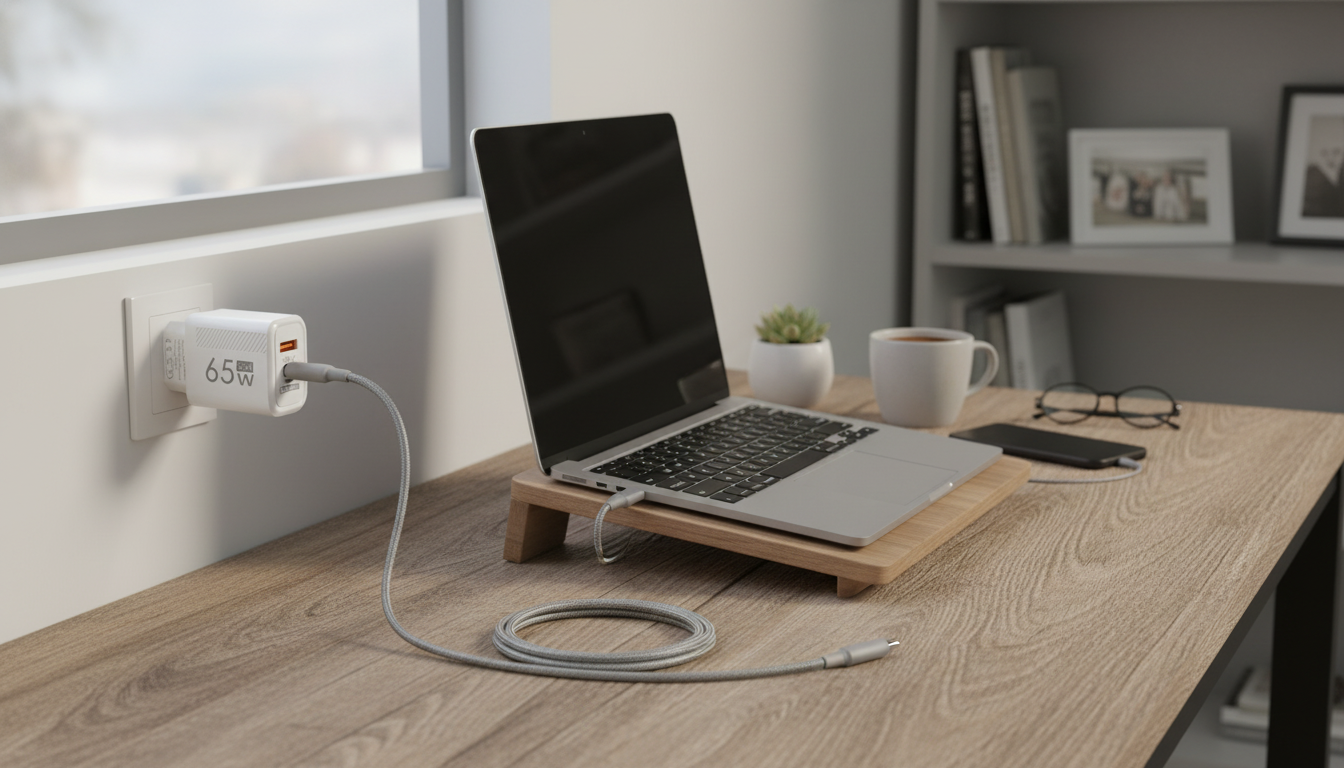
Many GaN wall chargers do support USB-C Power Delivery (PD), but “GaN” by itself doesn’t automatically mean PD is included. GaN (gallium nitride) describes the charger’s internal components and efficiency, while PD is the charging standard that negotiates the right voltage and current with your device.
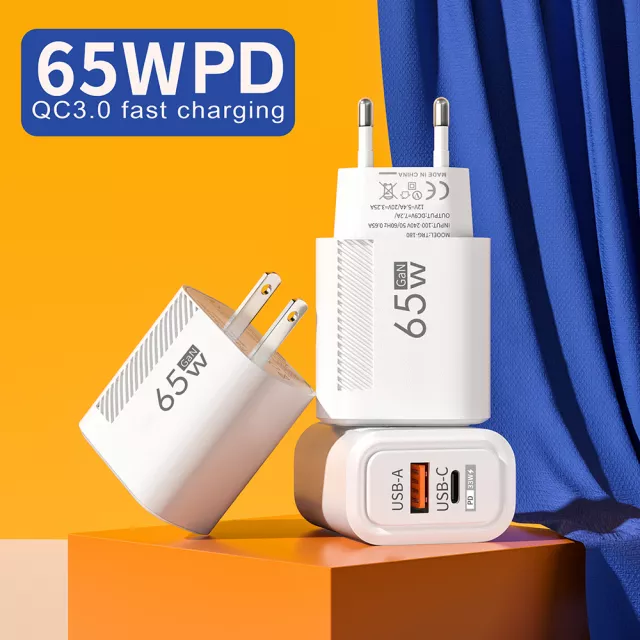
To confirm PD support on a specific GaN charger, look for “USB-C PD,” “Power Delivery,” or “PD/PPS” in the specs. You’ll typically see supported output profiles like 5V/3A, 9V/3A, 15V/3A, or 20V/3.25A (often associated with 65W-class chargers). If those PD-style profiles are listed for the USB-C port, you can count on PD charging for compatible phones, tablets, handhelds, and many laptops.
PD also matters for safety and performance: a PD charger and a PD-capable device will negotiate power so you get fast charging without forcing an unsafe “one-size-fits-all” output. If your device supports PD, pairing it with a PD-enabled USB-C port is usually the most straightforward route to reliable fast charging.
If you want a practical walkthrough of what to look for (including typical wattage tiers and what they’re used for), our team put together a full guide here: https://splendona.com/guide-65w-gan-usb-c-wall-charger-quick-charge/.
One more tip: if the charger has multiple ports, PD may apply only to the USB-C port, and total power can be shared when you plug in more than one device. If you’re charging a laptop and a phone together, choose a charger that can allocate enough watts to the laptop over USB-C PD while still powering the second device.
Check the specs for “USB-C PD” or “Power Delivery” and look for PD-style output profiles (such as 5V, 9V, 15V, and 20V options). A USB-C port alone isn’t enough—PD must be explicitly listed.
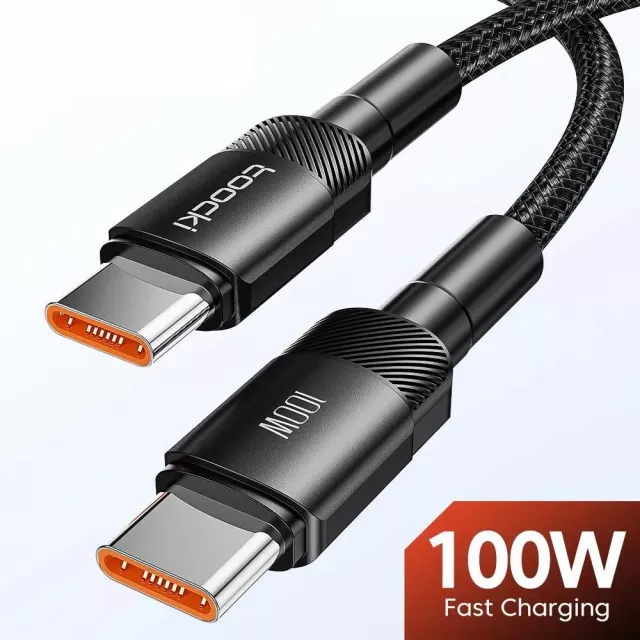
You need a USB-C cable that supports the wattage you’re trying to deliver. For higher power (like laptop charging), use a USB-C to USB-C cable rated for 60W or 100W/240W as appropriate.
GaN refers to the charger’s internal technology that helps it run cooler and more efficiently in a smaller size. PD is the USB-C charging standard that negotiates power levels between the charger and your device.



Leave a comment