
USB Power Delivery (PD) support is usually easy to confirm once you know where to look: on the charger body, on the box, in the specs, and sometimes in the way the USB-C port is labeled. Our team recommends checking at least two of the indicators below before you buy or plug in higher-power devices like tablets, laptops, or handheld gaming systems.
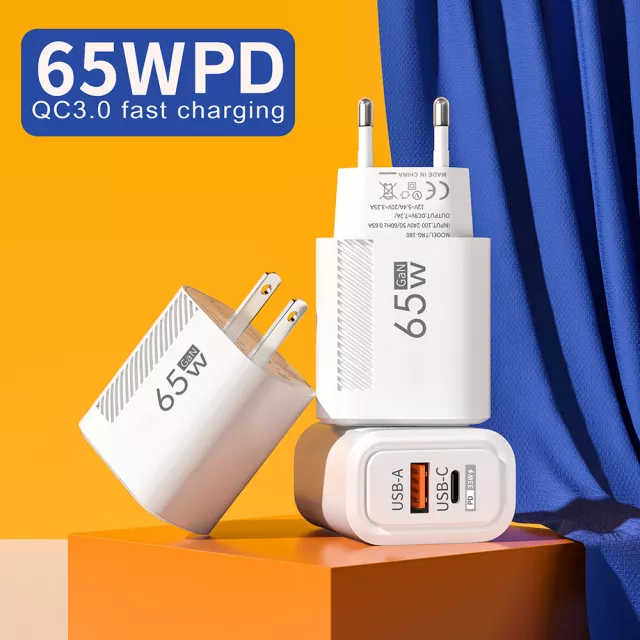
Many reputable chargers print “PD,” “USB PD,” or “Power Delivery” right on the housing near the USB-C port or on the back label. If you only see “QC” (Quick Charge) without PD mentioned, that usually points to a USB-A fast charger rather than a true USB-C PD charger.
PD chargers commonly list multiple USB-C output modes such as 5V, 9V, 12V, 15V, and 20V at different current levels. If the label shows a higher-voltage option like 15V or 20V on the USB-C output, that’s a strong sign it supports USB-C PD for higher-watt devices.
Wattage alone doesn’t guarantee PD, but most modern USB-C chargers above 18W that are designed for broad compatibility will specify PD. If you’re shopping for 45W, 65W, or higher to charge a laptop, make sure the specs explicitly say PD and show a matching max output (for example, 20V at 3.25A is 65W).
USB PD is primarily a USB-C standard. A USB-A port can be fast, but it won’t provide true USB-C PD negotiation. If a charger has both USB-C and USB-A, PD typically applies to the USB-C port only.
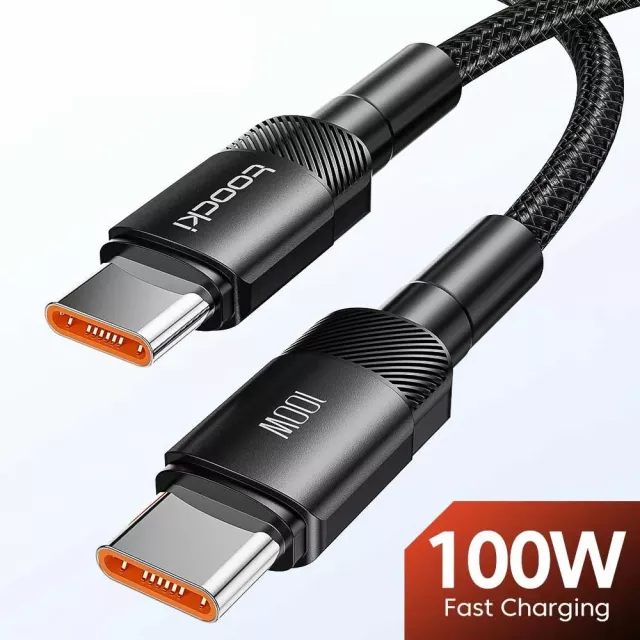
Even with a PD charger, you’ll need a USB-C to USB-C cable for most PD use cases. For higher power (typically 60W+), choose a cable rated for the wattage you want, so the system can safely deliver full output without throttling.
If you’re comparing higher-power options, our team breaks down what to look for in a 65W GaN USB-C wall charger here: https://splendona.com/guide-65w-gan-usb-c-wall-charger-quick-charge/.
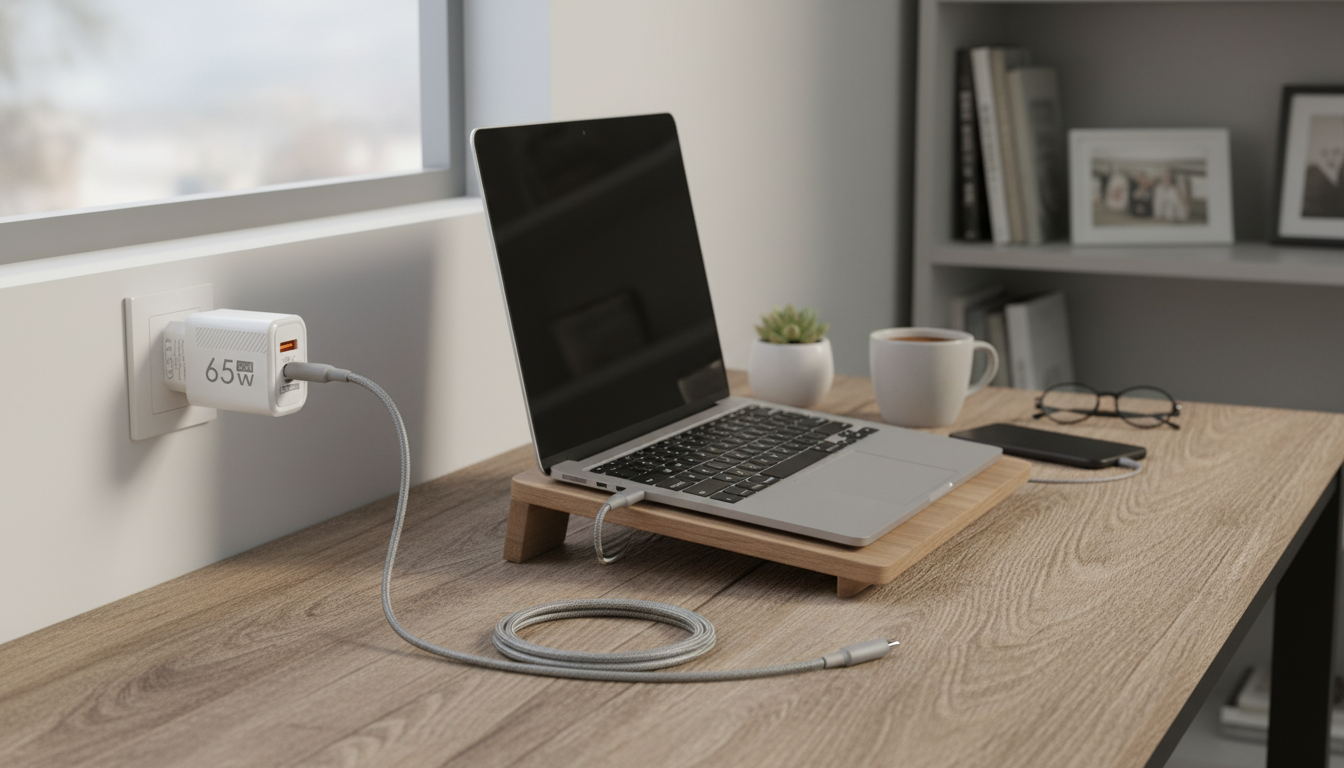
Often, yes—if the PD charger can supply the wattage your laptop expects. A basic phone charger may top out at 5V and low wattage, while a PD charger can negotiate higher voltage and power levels that laptops commonly require.


Leave a comment