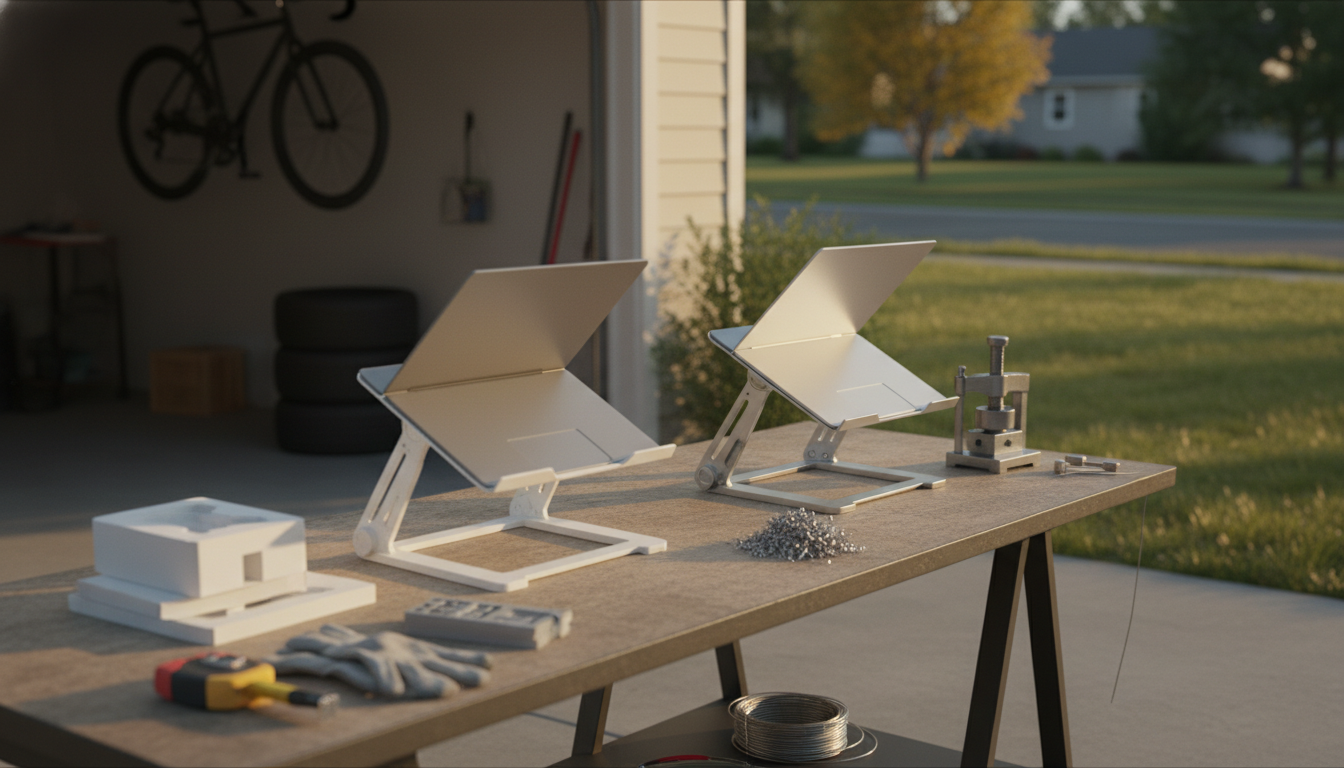
Aluminum laptop stands are usually the better pick for most desks because they’re sturdier, dissipate heat more effectively, and tend to hold a laptop at a steadier, wobble-free angle. Plastic stands can still be a smart choice when portability and price matter most, but they often trade off stability and longevity—especially with heavier laptops or frequent adjustments.
If the goal is a solid, dependable setup for daily work, aluminum has clear advantages. The material is naturally rigid, which helps reduce flex when typing and keeps the screen height consistent. Many aluminum designs also add grip pads and wider bases, which can make a noticeable difference on slick desks.
Another major perk is heat management. Aluminum can help move heat away from the laptop chassis, and most aluminum stands are built with open designs that improve airflow. That can be helpful during long video calls, creative workloads, or gaming sessions where temperatures climb.
Plastic laptop stands often cost less and can be lighter in a backpack. They’re also common in fold-flat, travel-friendly designs. For a smaller laptop or occasional use—like working from a coffee shop—plastic can be totally adequate.
The downside is that plastic can flex over time, especially at hinges or thin support arms. With larger laptops, that can lead to wobble, uneven angles, or creaks that make the setup feel less secure.
Choose aluminum if stability, cooling, and a premium feel matter most, or if you use a heavier laptop. Choose plastic if you prioritize low cost and lightweight portability, and your laptop is relatively light.
For a deeper breakdown of ergonomics, airflow, and what to look for in a well-built stand, see the full guide here: https://splendona.com/guide-aluminum-laptop-stand-guide-ergonomics-cooling-stability/.
Yes—raising the screen closer to eye level can reduce neck strain and encourage a more neutral sitting position. For best results, pair the stand with an external keyboard and mouse.






Leave a comment